Copyright 2010 Baker Hughes Company.
English–PACE Indicators Instruction Manual | 39
Supervisor Setup
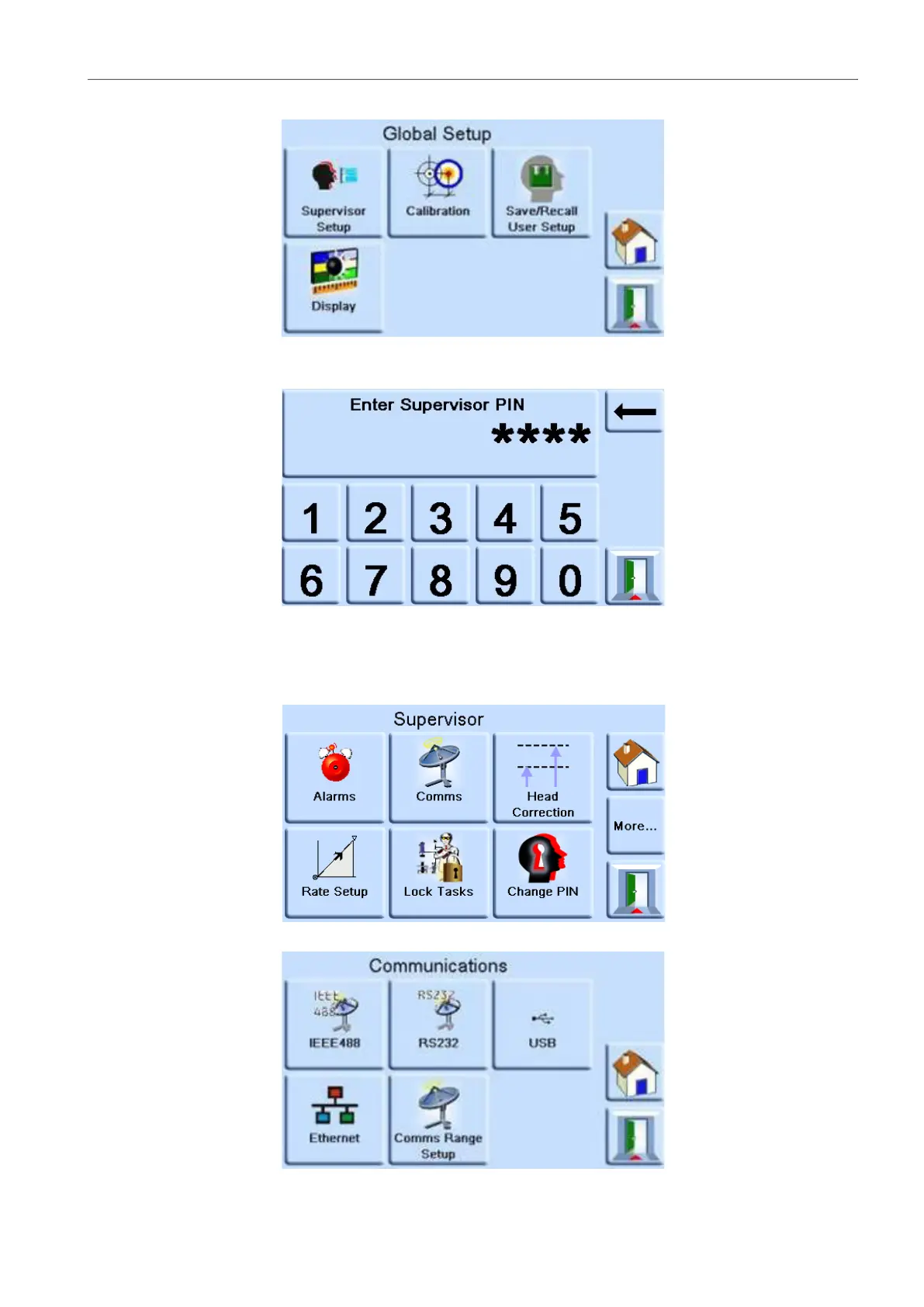
3. Select SUPERVISOR SETUP.
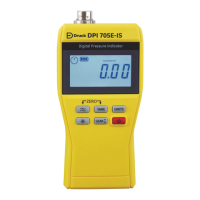
4. Enter the Supervisor PIN and press the top touch area. Use the back arrow in the top right
corner of the screen to delete any incorrect data entries.
Note: The factory set Supervisor PIN is 0268. If the Supervisor PIN has been locally
changed, make sure that the new PIN is kept in a safe place. If the new PIN is lost, it can
only be reset at a Druck Service Centre.
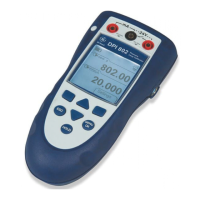
5. On the SUPERVISOR screen, select COMMS.
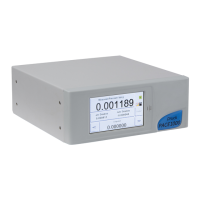
6. The COMMUNICATIONS screen is shown.


 To Next Page