25
D
V
D
P
A
R
T
DVD Settings 3
TV System
You may need to change the colour system to match
your TV. If your television should happen to use NTSC
or MULTI, you need to change this setting.
PAL :
Select PAL when a PAL TV is connected.
MULTI :
Select MULTI when a MULTI TV is connected.
NTSC:
Select NTSC When a NTSC TV is connected.
Notes
The default TV System in "PAL" When your TV system
isn't NTSC, don't select "NTSC".
In case you select "NTSC" by mistake. press SETUP and
GUI button one or two times to select MULTI orPAL.
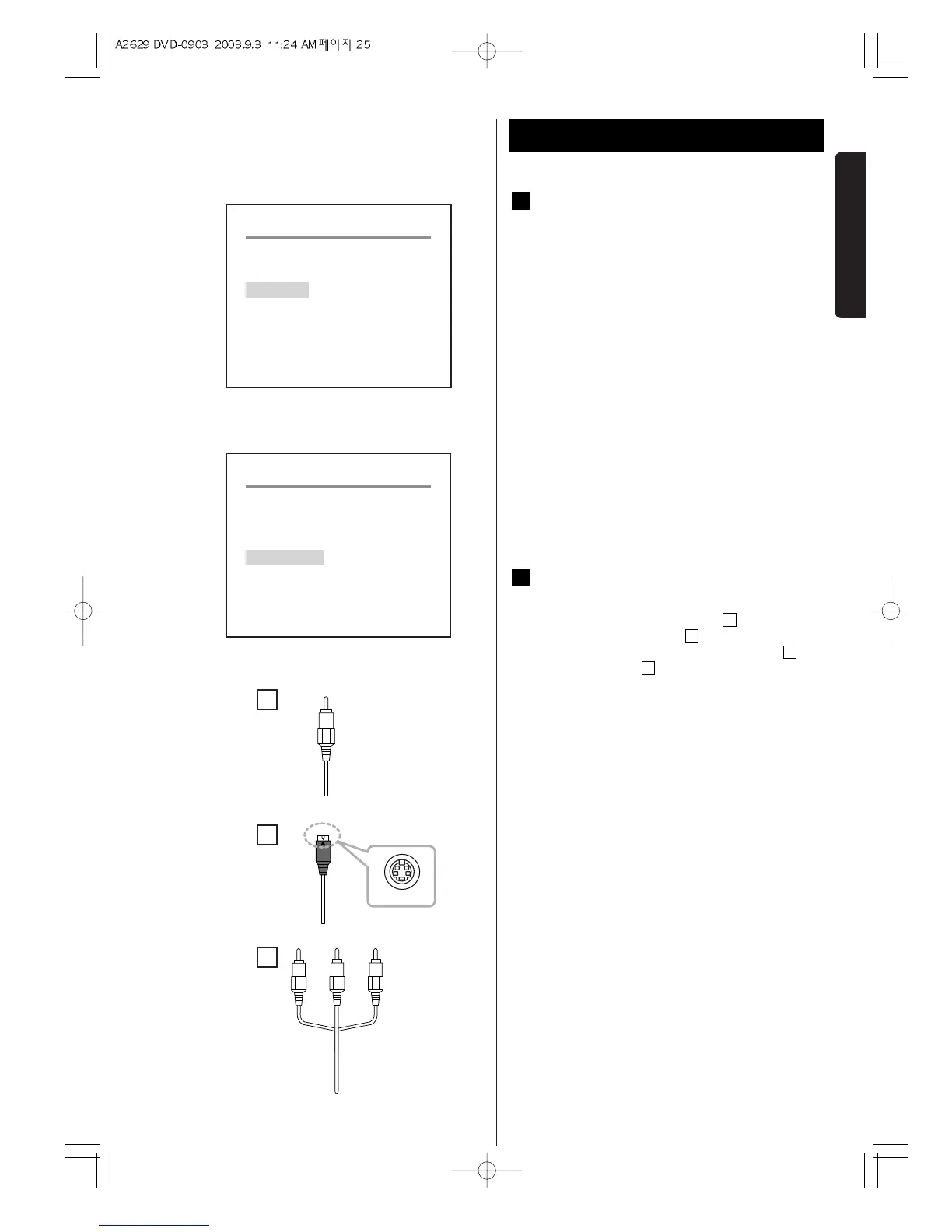
Video output
The video signal will always be available through
the composite video cable . In addition
toCompsite video cable , you can select one
more video out put between S-video cable and
Component cable to obtain better video quality.
S-VIDEO(seperated video signal)
Video signal of S-video will provide better video
quality than that of compsite as the S-video split the
signal into Y(intensity) and C(colour).
COMPONENT(component video signal)
Video signal of component will provide better video
quality than that of S-video as the component split
the signal into Y(intensity) and C(colour).
Notes
S-video and Component will only be available when the
unit plays DVD disc.
C
B
A
A
F
E


 To Next Page