42
D
V
D
P
A
R
T
Picture Zoom
JPEG
Zoom allows you to zoom in and enlarge the picture on
the screen to either 2 times(x2) or 4 times(x4) or 16 times
(x16) or normal size.
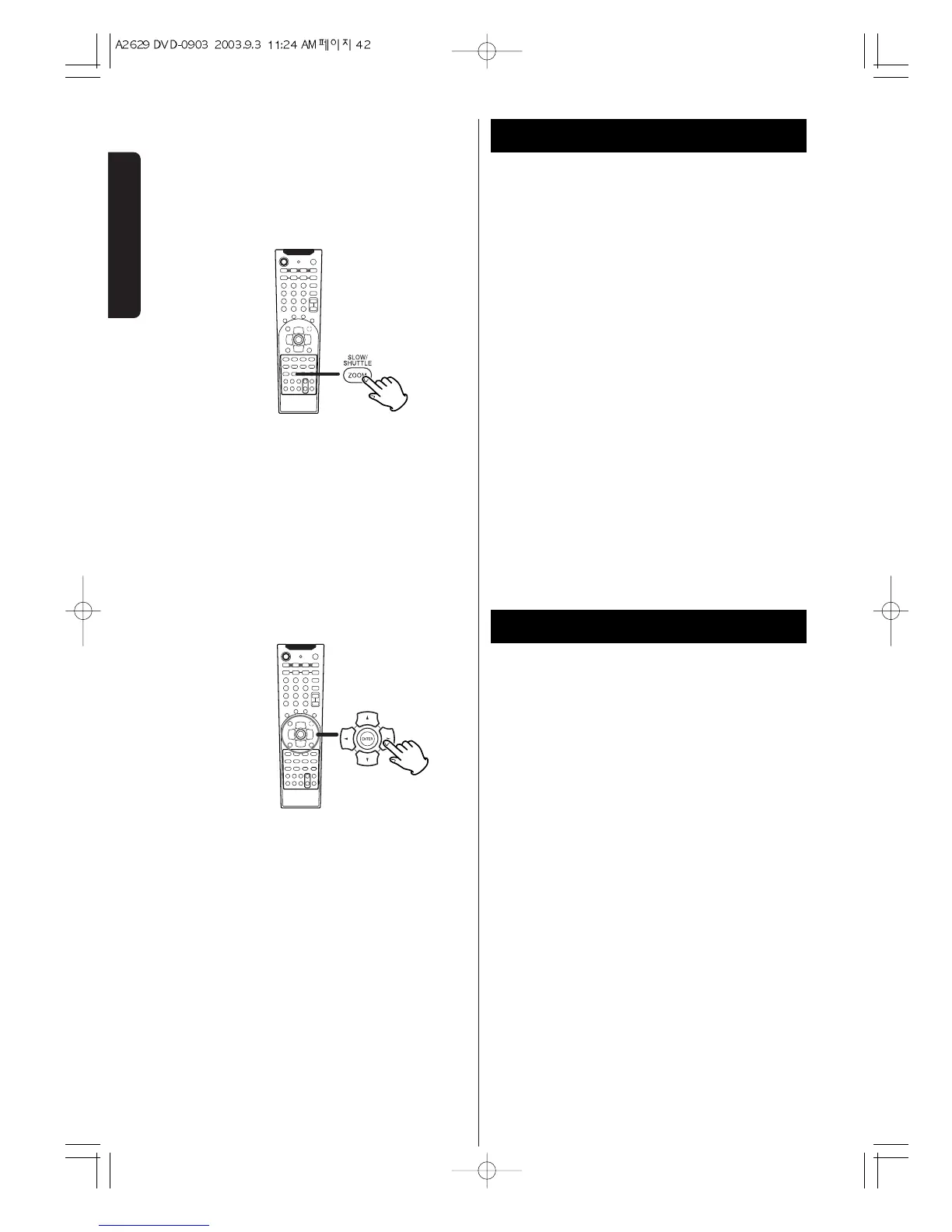
To zoom the picture, press the ZOOM button during
playback.
Each time the ZOOM button is pressed, the
magnification level changes from x2, to x4, to x16, to off
< You can shift the zoom point by pressing the
5
/
b
/
g
/
t
buttons during zoom playback.
< Zooming does not work on subtitles or menu
screens.
< Some DVD's might not respond to zoom.
< Turn around
t
: Toward the right
g
: Toward the left
< Turn over
5
: Up and down
b
: Left and Light
DVD
GUI


 To Next Page