41
D
V
D
P
A
R
T
DVD
GUI
Title Select
Title Select (DVD only)
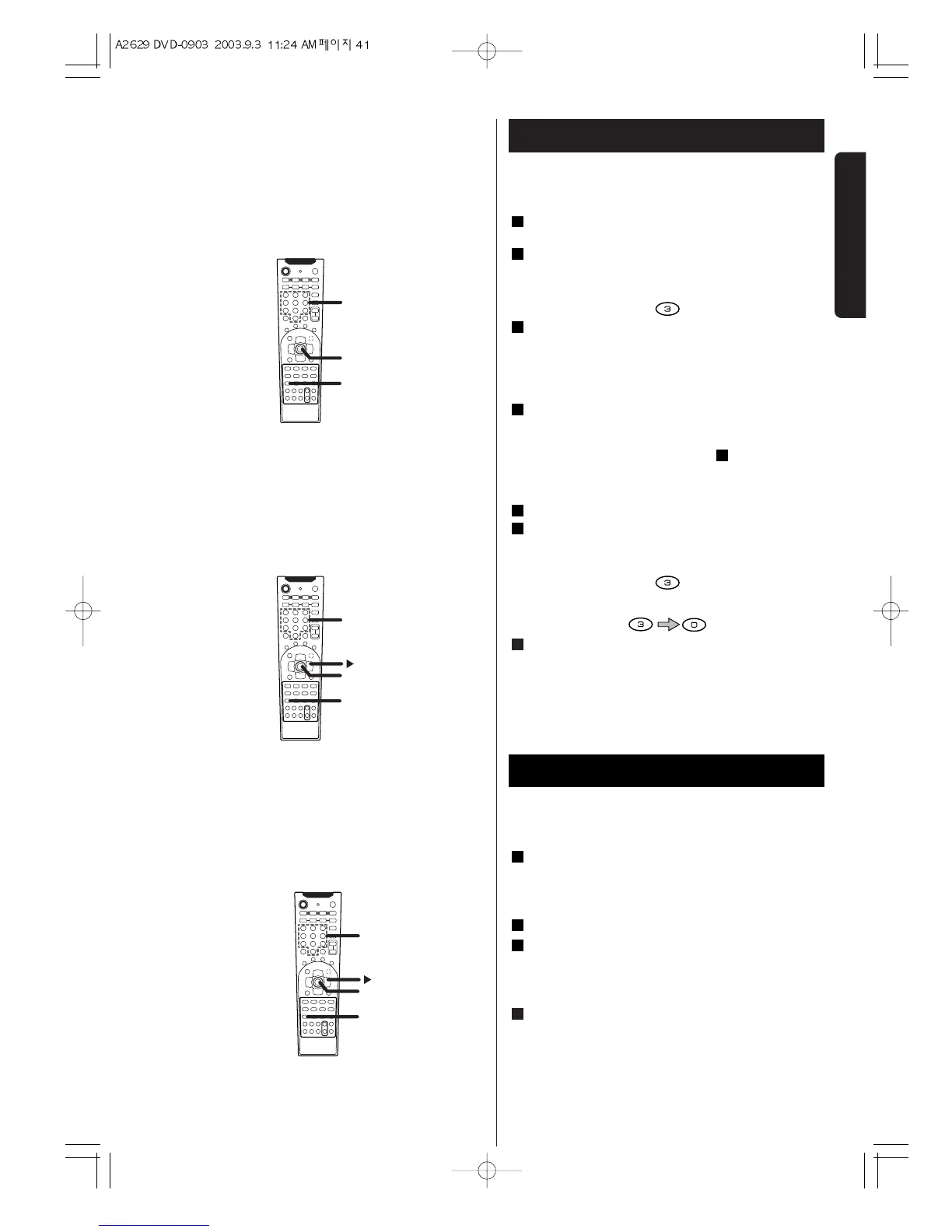
Press the GUI button.
The current title number will be highlighted.
Within 5 seconds, select a title number by pressing
the numeric buttons.
EXAMPLE : To select title No. 3
Press the ENTER button.
Playback starts from the selected title.
Chapter/Track Select (DVD/CD)
Press the GUI button during playback.
The current title number (or track number) will be
highlighted.
< During playback of CD, go to step .
< When no button is pressed for 10 seconds, chapter
select mode will be cancelled.
Press the
t
button to highlight the chapter number.
Within 10 seconds, select a chapter number (or
track number) by pressing the numeric buttons.
EXAMPLE : To select title No. 3
EXAMPLE : To select No. 30
Press the ENTER
button.
Playback starts from the selected chapter or track.
4
3
2
3
1
3
2
1
DVD/CD
Time Select (DVD only)
Press the GUI button.
The current title number will be highlighted.
< When no button is pressed for 10 seconds, chapter
select mode will be cancelled.
Press the
t
button twice to highlight the time.
Input the time by pressing the numeric buttons.
example:
To select a scene 2 hours 30 minutes 10 seconds
from the beginning of the selected title, press 23010.
Press the ENTER button.
Playback starts from the selected part.
4
3
2
1
Time Select
DVD


 To Next Page