37
D
V
D
P
A
R
T
CD
Shuffle Playback of CD, MP3
Tracks of a disc can be played randomly.
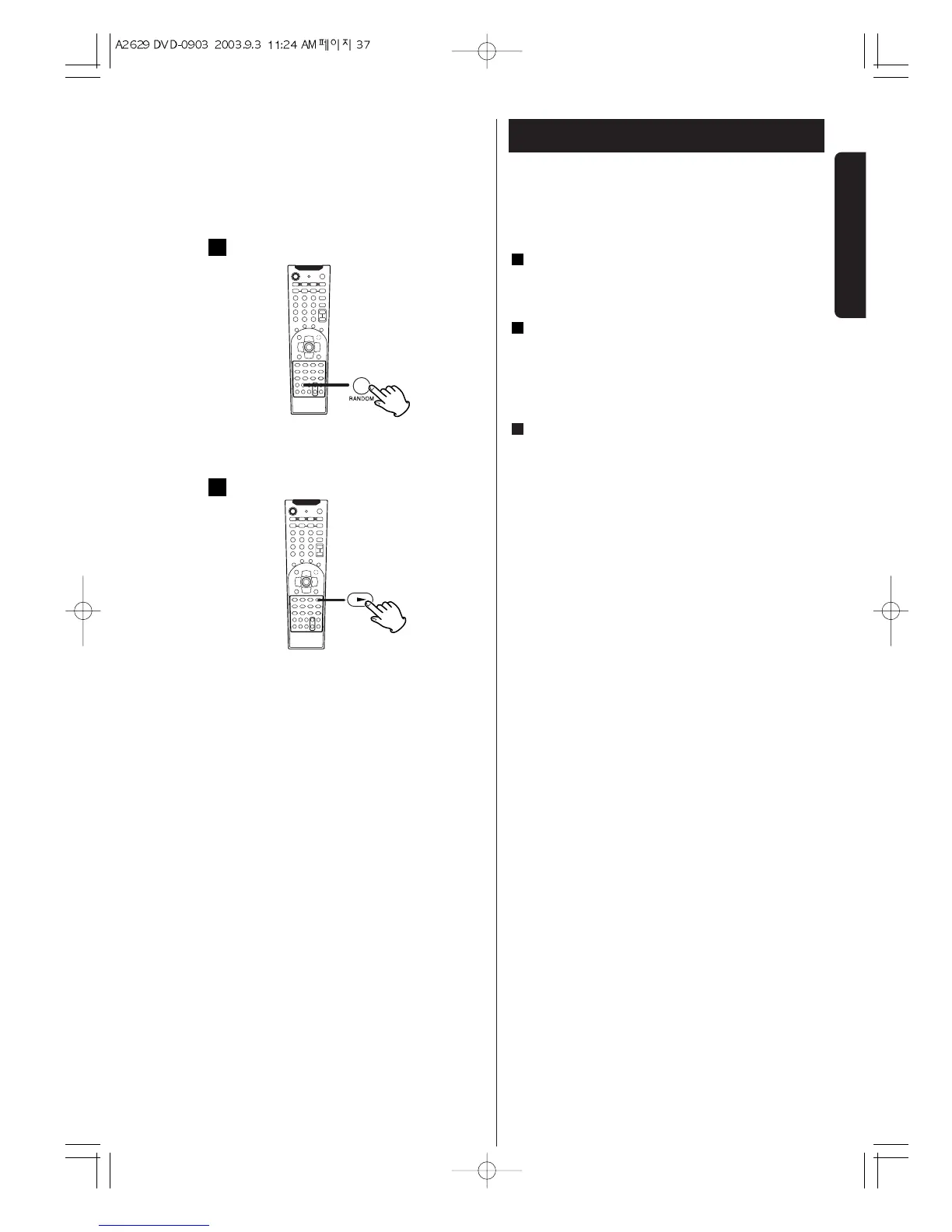
Press the RANDOM button in the stop mode.
"RANDOM ON" appears on the screen.
Press the PLAY button (y) to start shuffle playback.
< If you press the / button during shuffle playback,
the next track will be randomly selected and played.
A track cannot be replayed during shuffle playback.
To stop shuffle playback, press the RANDOM button.
"RANDOM ON" appears on the screen.
< If one of the following buttons is pressed, shuffle
mode will be cancelled. OPEN/CLOSE, POWER,
FUNCTION
3
2
1


 To Next Page