29
D
V
D
P
A
R
T
AUDIO
Night Mode
(Dynamic Range Compression)
In many listening situations, you may find loud
passages objectionable. Adjusting this setting
allows you to compress the sounds into a range that
you may find more suitable for a particular listening
situation. "
U
Digital" satisfies these needs through
the dynamic range control.
Select one of the following to fit the individual
listening situation of the audience.
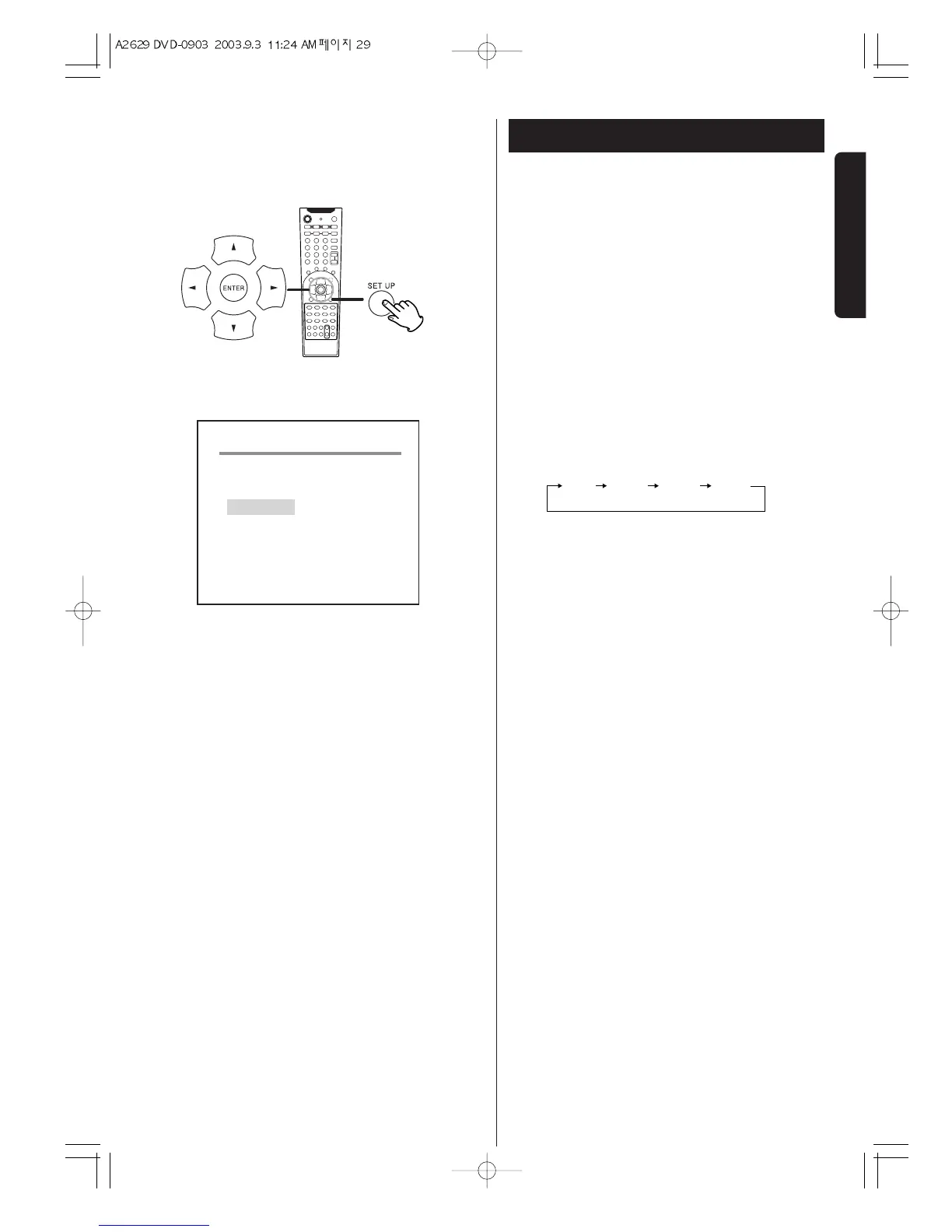
During playback of DVD, press the SET UP button and in
the Audio SETUP mode, press
b
button to select Night
Mode.
Each time the ENTER button is pressed, the mode is
changed as follows:
MIN :
Dynamic range compression 1/4
MID :
Dynamic range compression 5/8
MAX :
Audio with fully compressed dynamic range.
OFF :
Audio with uncompressed dynamic range. Select
this when you don't want to use the night mode.
< This function is effective only when playing back a
DVD disc recorded with "
U
Digital" . This control
has no effect on other discs.


 To Next Page