T
U
N
E
R
P
A
R
T
44
Select an Audio Language
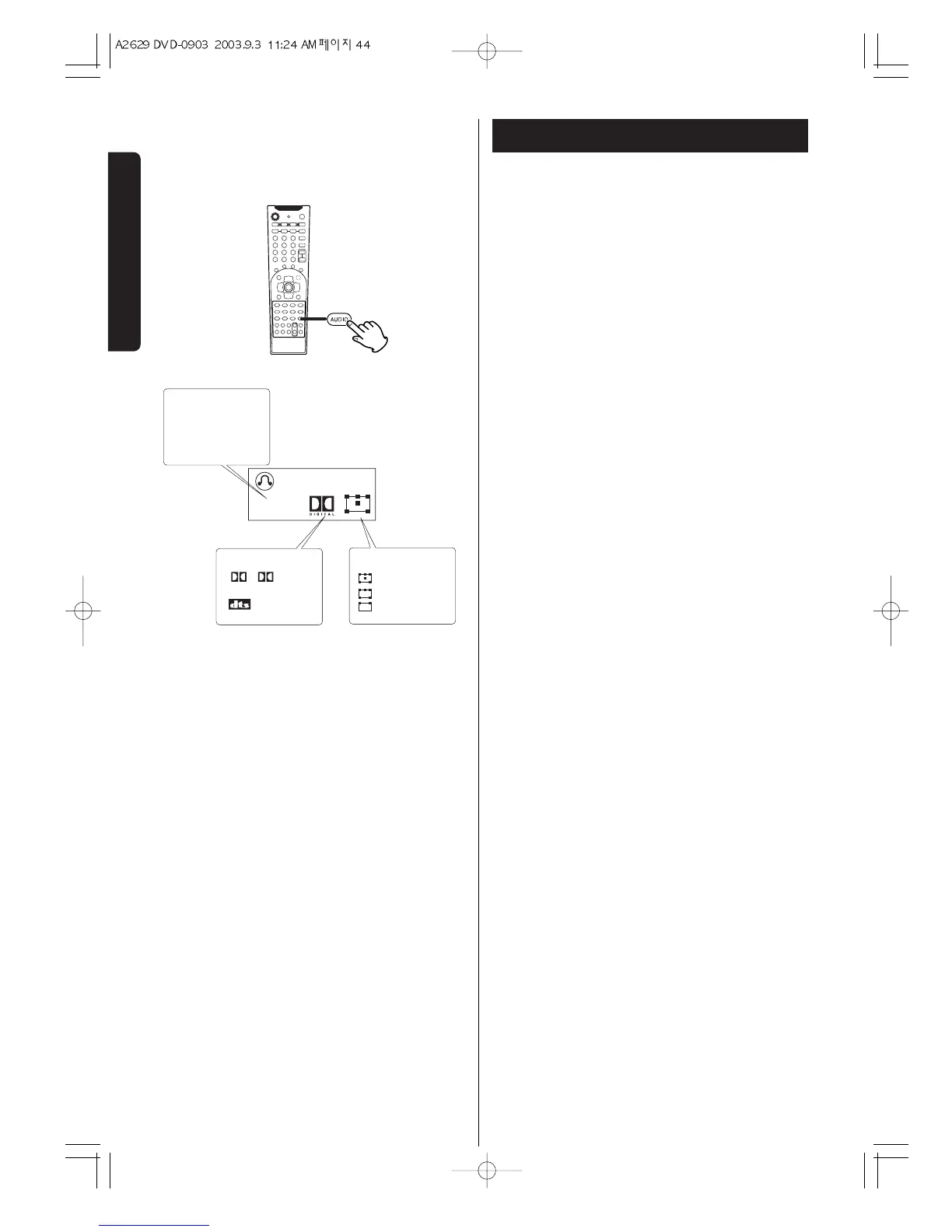
To select an audio language, press the AUDIO button
during playback.
Each time you press the AUDIO button,a language and
its sound recording system included on the disc
appears on the screen.
DVD
< Some discs allow you to change audio language only
via the disc menu. In that case, press the MENU
button and change the settings.


 To Next Page