39
D
V
D
P
A
R
T
CD
Programmed Playback (CD) 2
Checking the programmed content
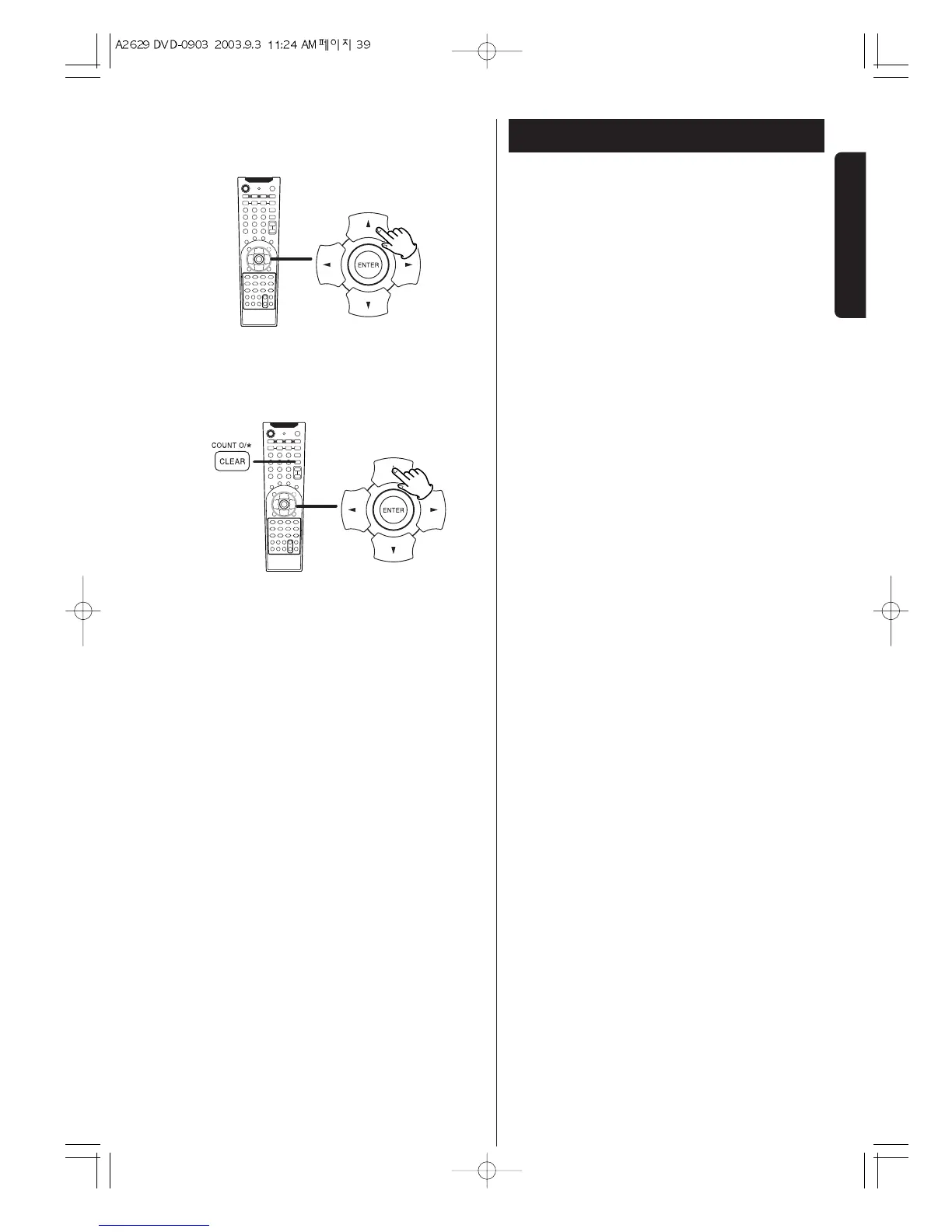
In the stop mode, press the 5/b buttons repeatedly.
Track number, program number and the total playback
time is displayed in order.
How to delete tracks from a program
In the stop mode, press the 5/b buttons repeatedly
until the programmed track to be deleted is displayed.
Then press the CLEAR button. The selected track is
deleted from the program and the track programmed
next is moved to take its place and shown on the
display.
Clearing program mode
If one of the following buttons is pressed, program
mode will also be cancelled:
OPEN/CLOSE, POWER, FUNCTION


 To Next Page