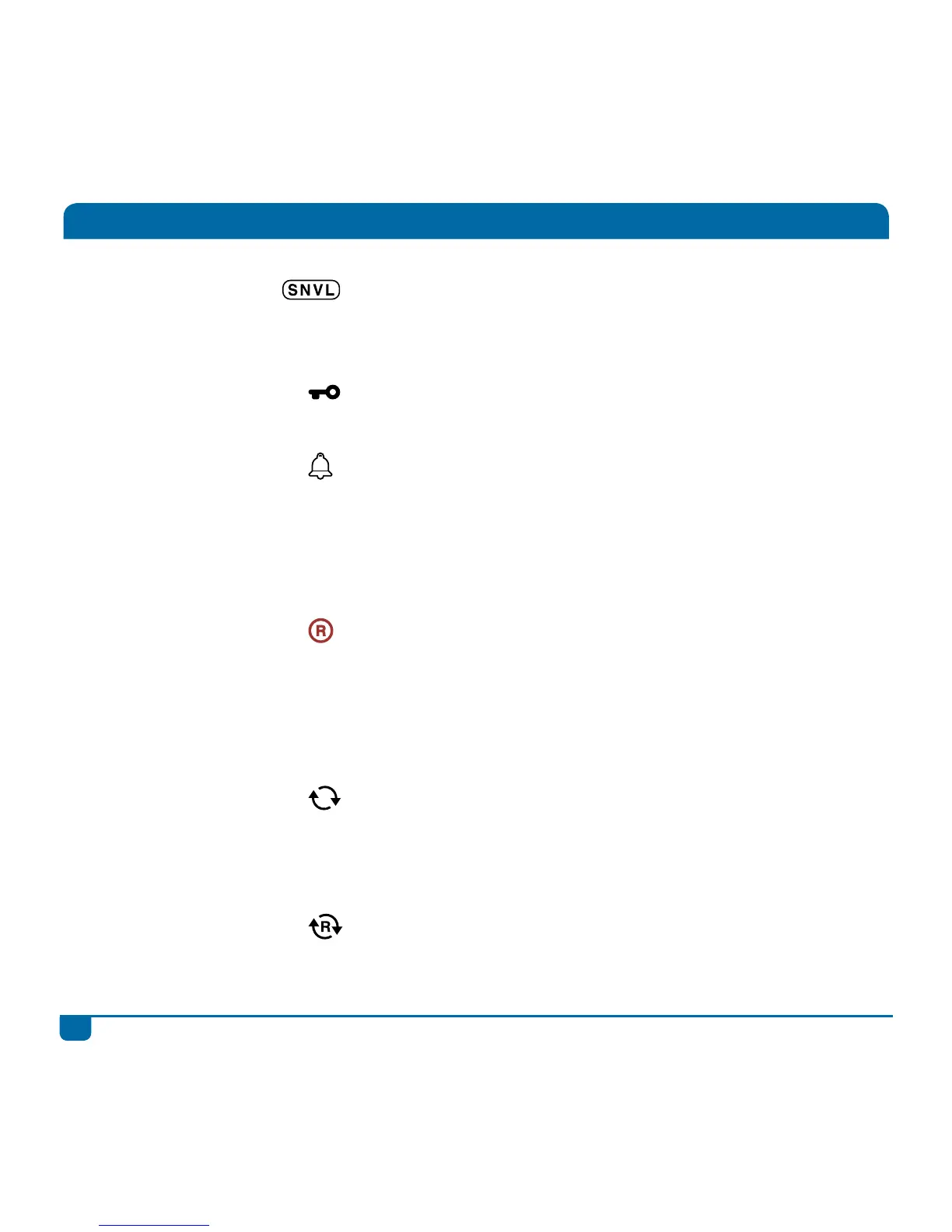
SNVL
This information is displayed for all programmes and
is an indicator of programming content (Sex, Nudity,
Violence, Language).
PG Block
Content is blocked due to Parental Control settings.
A valid PG PIN is required to watch this content.
Reminder
You can set a reminder for any future programme
(select the programme, press OK and “Set Reminder”).
This icon will then display with the programme
information. To see all reminders – press the DStv
button and go to “Schedules” in “Planner”.
Scheduled
Recording (Single)
You can schedule a single recording of any programme.
Select the programme, press OK and “Record
Episode” or “Record Programme”. This icon will then
display with the programme information. To see all
scheduled recordings – press the DStv button and go to
“Schedules” in “Planner”.
Series Link
This programme is part of a series and has series
recording available. Select the programme, press OK
and “Record Series”. To see all series recordings - press
the DStv button and go “Series Manager” in “Planner”.
Booked Series
This programme is part of a series that you have
already set a series recording for.
All about Icons



 To Next Page