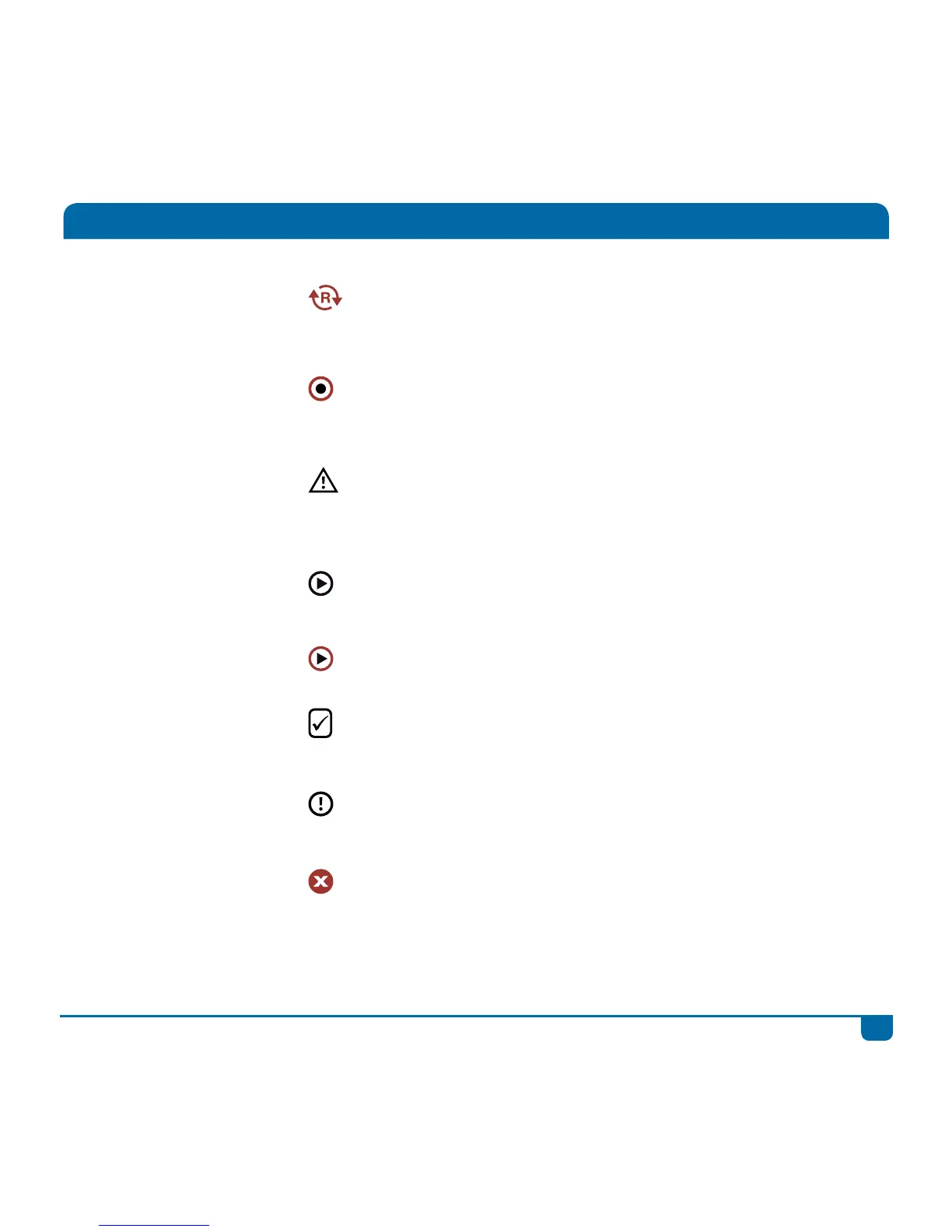
Scheduled
Recording (Series)
This programme is part of a series and this episode is
scheduled to record as part of your series recording.
Recording in
Progress
Indicates a recording in progress. You can stop a
recording in progress at any time by pressing the STOP
button on the remote.
Conflict
You have scheduled recordings which are in conflict.
Press the DStv button and go to “Schedules” in the
“Planner” to resolve the conflict.
Playback
This icon indicates playback of recorded content.
Playback Recording
in Progress
This icon indicates playback of a recording which is still
in progress.
Viewed Content
This icon indicates that you have partially or fully
viewed the content.
Alert!
This icon will only be seen in your Playlist and indicates
an incomplete recording.
Failed Recording
This indicates a failed recording. To see all failed
recordings, press the DStv button and go to
“Schedules” in “Planner”.
All about Icons



 To Next Page