Lock This content has been locked to prevent it from
accidentally being deleted.
Info
This icon is only used in the TV Guide, and only when
we don’t have space to show you the programme title.
Press i to see programme information.
Download
This icon indicates extra DStv Catch Up content that
you can download to your DStv Explora. You have the
option to watch it while it downloads, or wait for it to
fully download before watching it.
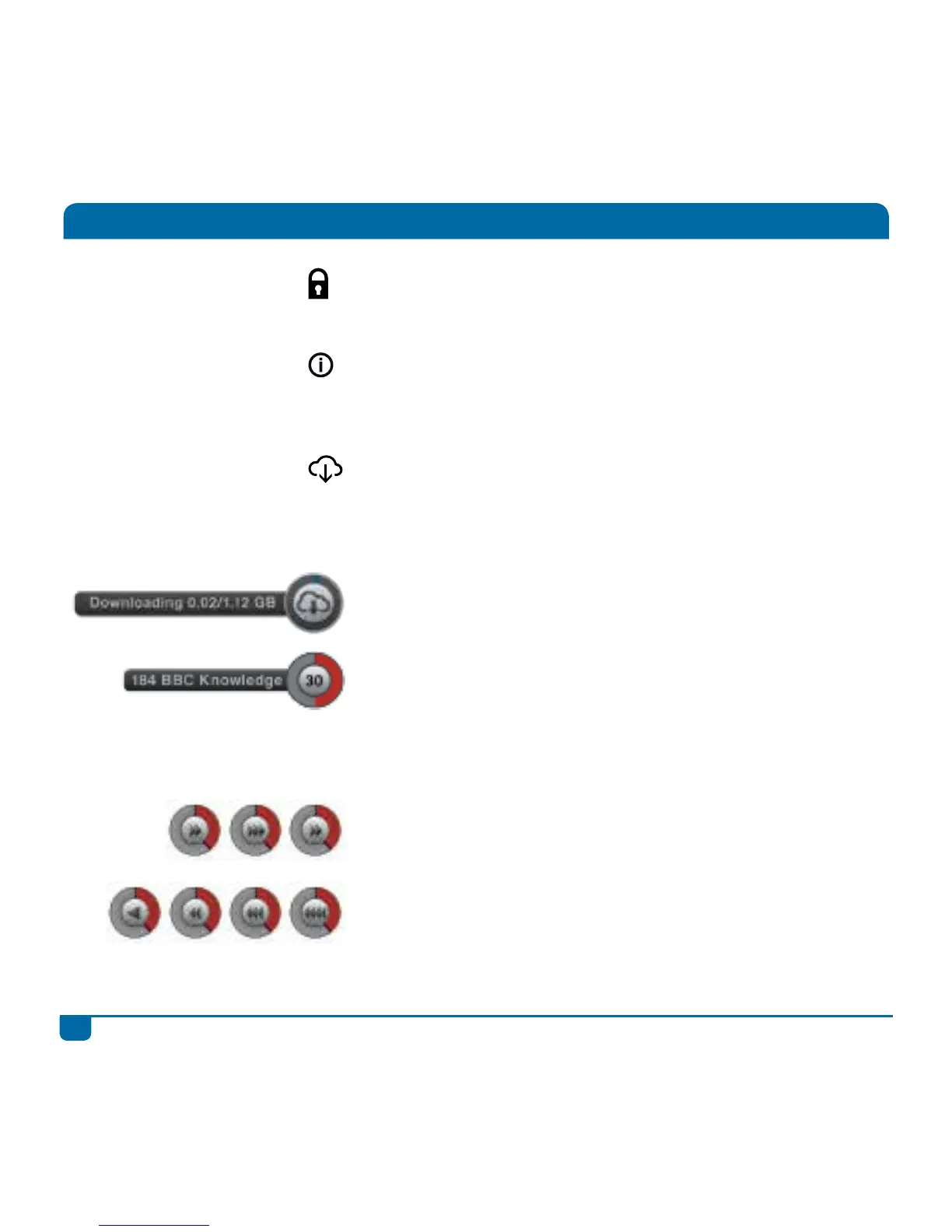
This icon is displayed onscreen when content is being
downloaded.
This displays on the top right of your screen when you
have a recording in progress. It includes the channel
that is being recorded as well as the time remaining on
the recording. Remember, you can press STOP at any
time to stop a recording in progress.
Indicates use of FF and the current FF speed, as well as
your position in the content being viewed.
Indicates use of REW and the current REW speed, as
well as your position in the content being viewed.
All about Icons



 To Next Page