16
DCA73W
Driving Orientation Settings
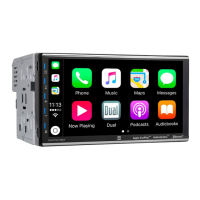
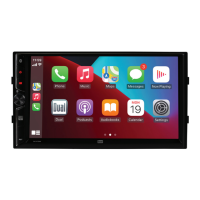
To enhance the driving experience, the DCA73W allows the user to configure Apple CarPlay and
Android Auto for either Left Hand Drive (LHD) or Right Hand Drive (RHD) vehicles.
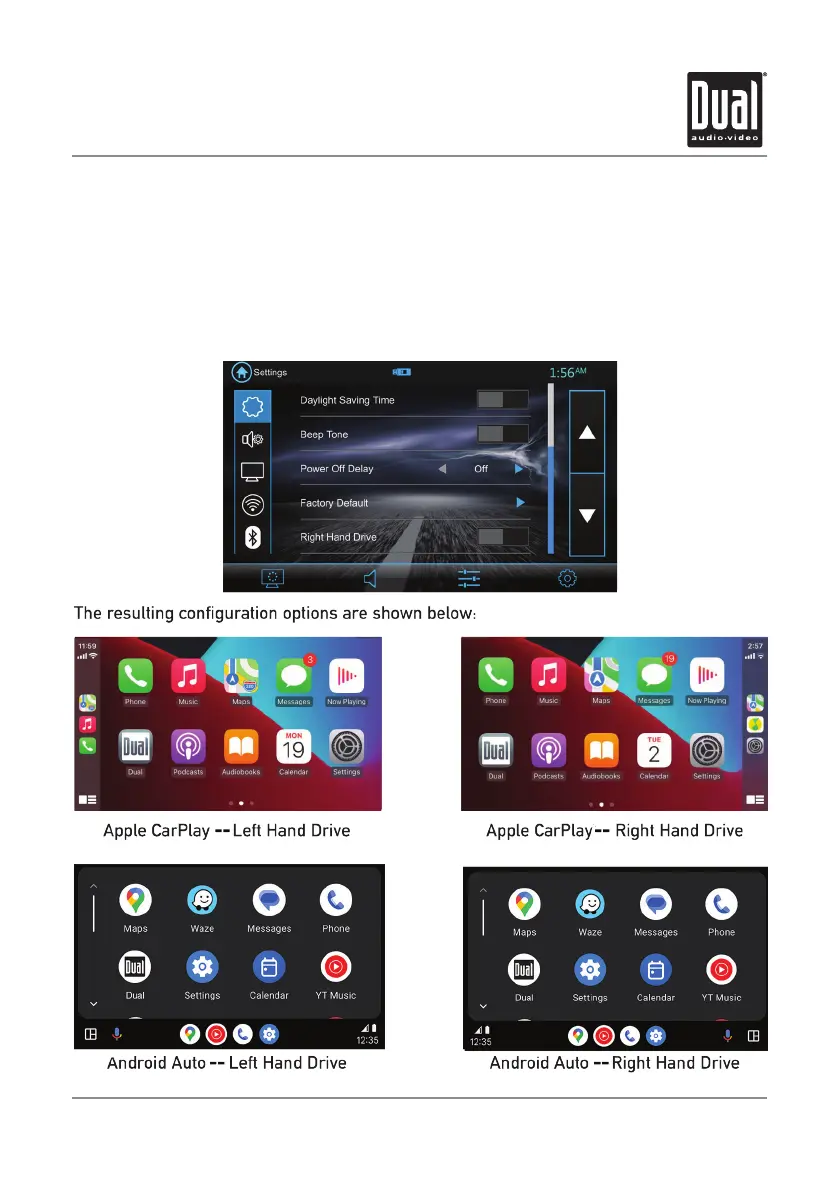
To select desired configuration, select either LHD or RHD from the Settings menu.
Note: If you change the setting for Right Hand Drive mode or Left Hand Drive mode
while the phone is connected to the receiver, disconnect the phone from the receiver and
re-connect it again.


 To Next Page