11
MXCP44 OPERATION
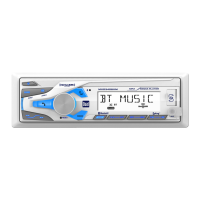
SD Card / USB Operation
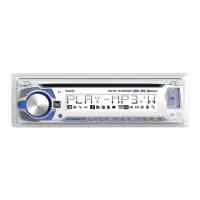
Whenafileisaccessed,thedisplaywillalternatebetween
tracknumber/elapsedtimeandavailableMP3/WMA
information,includingfilename,songtitle,artistname,
album name and folder number.
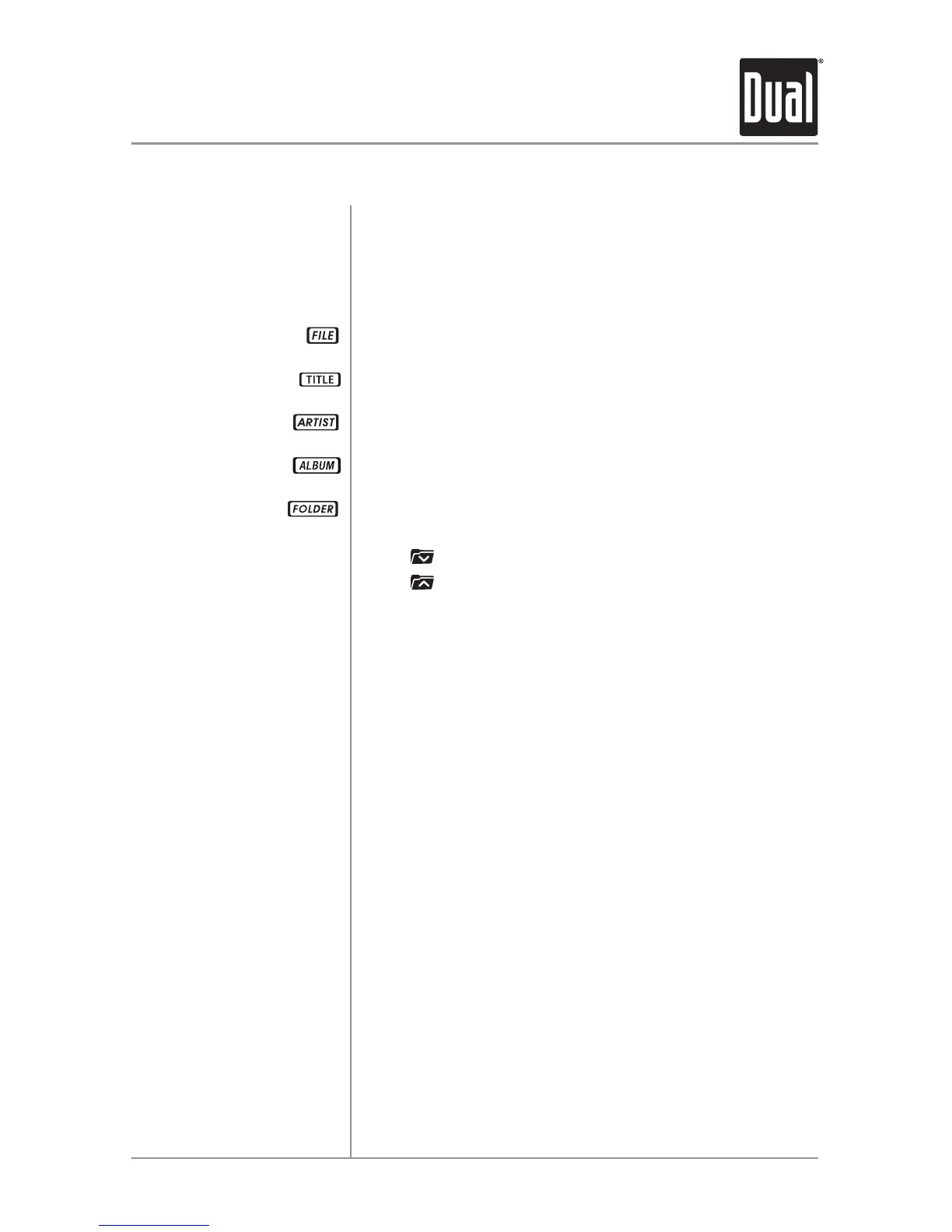
Thisiconwillilluminatewhenthefilenameisdisplayed.
Thisiconwillilluminatewhenthesongtitleisdisplayed.
Thisiconwillilluminatewhentheartistnameisdisplayed.
Thisiconwillilluminatewhenthealbumnameisdisplayed.
Thisiconwillilluminatewhenthefoldernameisdisplayed.
Press
toselectthepreviousfolder.
Press
toselectthenextfolder.
FolderaccessisonlyavailableonUSBdevicesandSD
cardsthatincludemorethanonefolder.
SongTitle,ArtistandAlbumiconswillonlybedisplayedif
theinformationisincludedwiththeMP3/WMAfile.
OnlyMP3fileswithfilenameextension(.mp3)canbe
played.OnlyWMAfileswithfilenameextension(.wma)can
beplayed.OnlyWAVfileswithfilenameextension(.wav)
canbeplayed.Donotattempttoplaynon-audioMP3/WMA/
WAVfileswiththe.mp3/.wma/.wavextension.
Displaying Information
File Icon
Song Title Icon
Artist Icon
Album Icon
Folder Icon
Folder Access
Notes


 To Next Page