16
8 Activating the sewing foot lifting solenoid
The sewing foot lifting solenoid is an optional equipment and must be
registered in the control unit.
Upon delivery the parameter 70 is set to "ON".
(ON: Thread trimming with the pedal in "half back" position).
– Keep key P pressed and simultaneously press the key.
[Power on] on the main switch. The display reads [047.MAC]
– Press the key P several times until the parameter "070.HHC" is
displayed.
– Press key S.
The display reads [HHC on]
– Change the setting to "OFF" using the key D/1\.
The display reads [HHC oF]
– Press key S.
The setting is memorized.
9 Sewing test
After completing the setting-up procedures a sewing test is to be carried out.
– Insert the mains plug.
– Thread in the bobbin-winder thread.
– Turn on the main switch.
– Lock the sewing foot in lifted position.
– Fill the bobbin at medium speed.
– Turn off the main switch.
– Thread the needle and hook thread.
– Select the material to be sewn.
– Carry out the sewing test first at low speed and then gradually
increase the speed.
– Check whether the seams are of the desired quality.
– If the quality requirements are not met change the thread tensions
(see chapters 6.2 and 6.6 of the operating instructions).
– If needed the settings described in the servicing instructions
should also be checked corrected when indicated
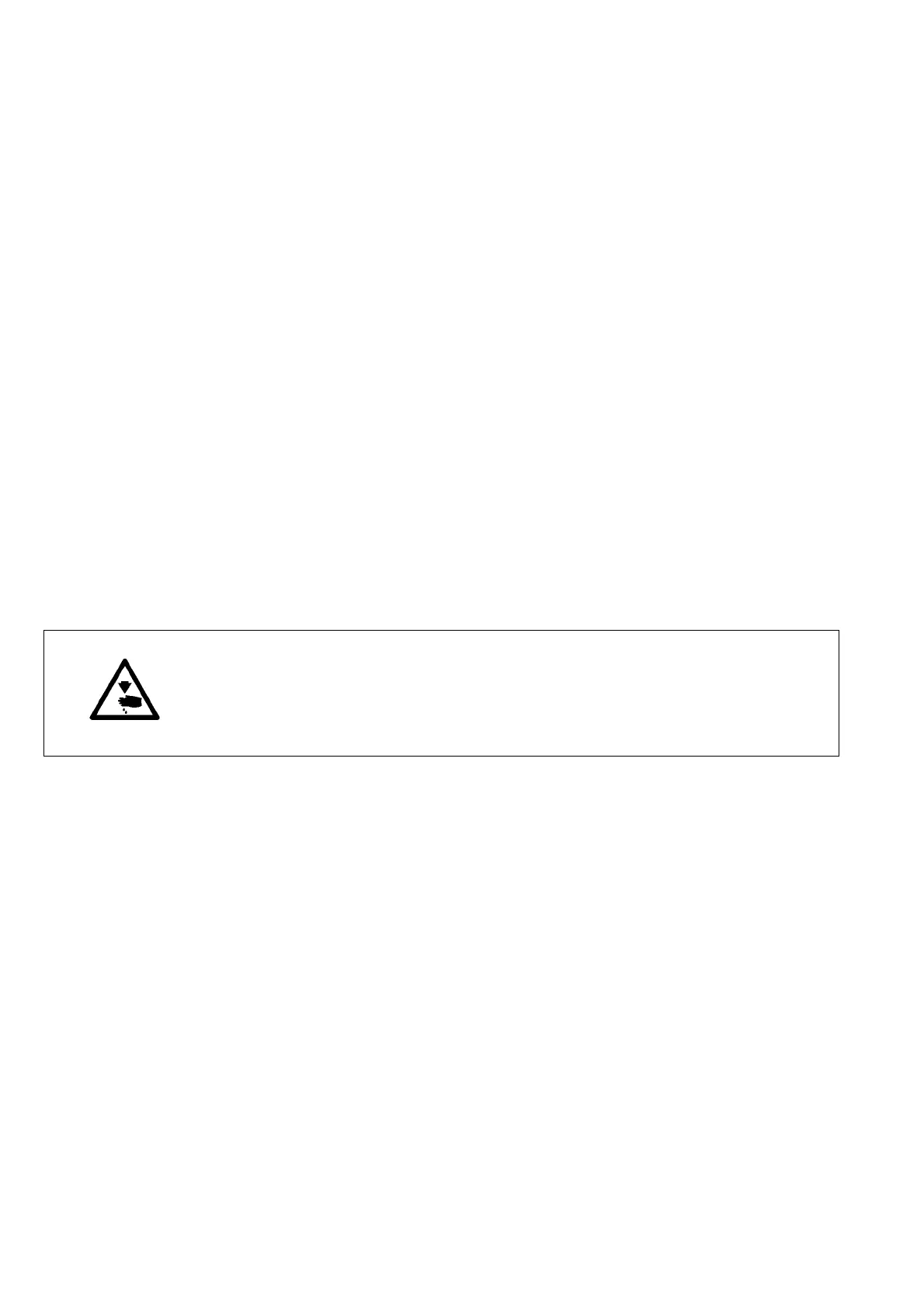
Caution: danger of injury!
Turn off the main switch.
The needle and hook threads may only be threaded with the sewing machine
switched off.




 To Next Page