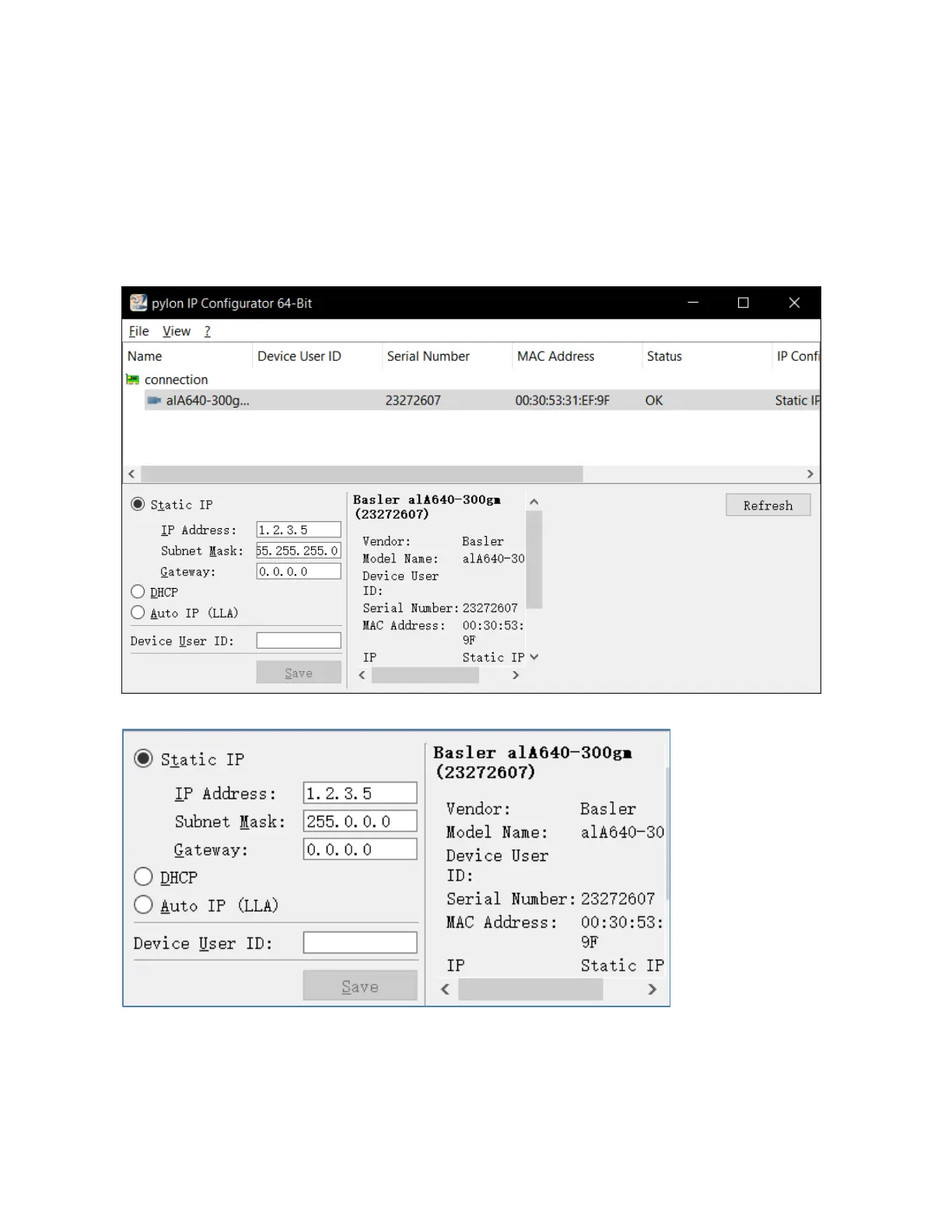
For example: Set camera IP address as 1.2.3.5,
Camera local connection Ip need set to same segment, such as 1.2.3.*(cannot same with camera
software setup).
Computer IP address setting method as below:
Right click on the camera PCI Card local connection and click Properties,select internet protocol version
4(TCP/IPv4) and double click it.Select the “Use the following IP address”and set IP address:1.2.3.4,Subnet
mask as 255.0.0.0,default gateway as 0.0.0.0) then click OK to save the setting.



 To Next Page