18
CC 102/C/122/C/132/142/C O102EN3
Vibration is engaged and disengaged with the
changeover switch (20) on the forward/reverse lever.
Always switch off vibration before the roller comes to a
complete standstill.
Vibration should not be allowed when the roller
is stationary; this may damage the surface
and the machine.
Manual/Automatic vibration
5
Fig. 21
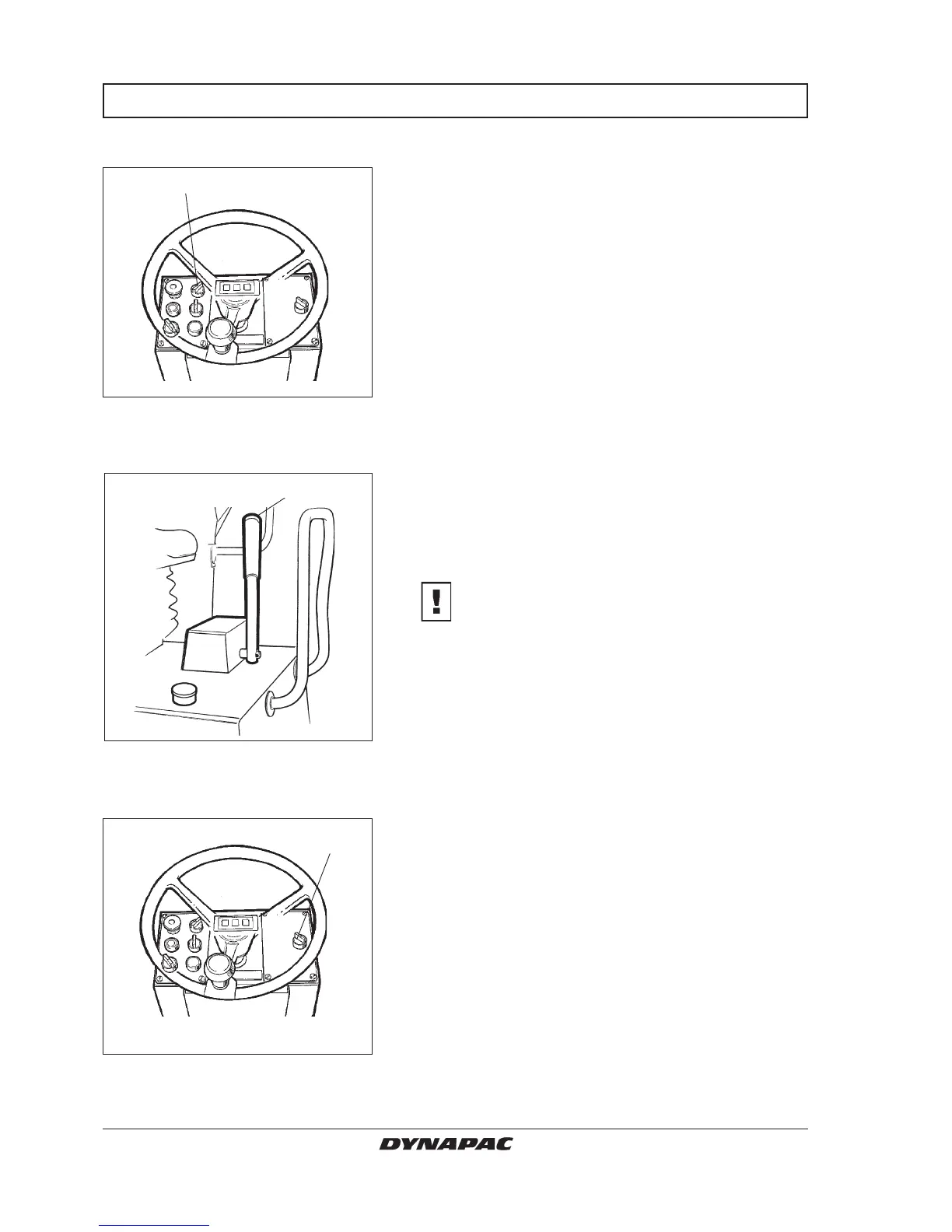
5. Vibration switch
Fig. 23 Instrument panel
14. Vibration front/rear drum
20
Fig. 22 Forward/reverse lever
20. Vibration ON/OFF
Vibration on one drum (Optional)
OPERATION/VIBRATION
Select manual or automatic switching ON/OFF with
switch (5).
In manual mode, the operator must activate vibration
via the switch (20) on the forward/reverse lever.
In automatic mode, the vibration is activated when the
pre-set speed is reached.
Even switching off is automatic when the lowest speed
is reached.
Manual vibration—Switching on
14
The selector switch (14) is used to choose vibration on
the rear drum only or on two drums, ON/OFF.
In vibration ON mode, the operator must activate vibra-
tion via the switch (20) on the forward/reverse lever.
In left position, vibration is applied to both drums.
In right position, vibration is activated on the rear drum.



 To Next Page