20
CC 102/C/122/C/132/142/C O102EN3
Switching off
19
65
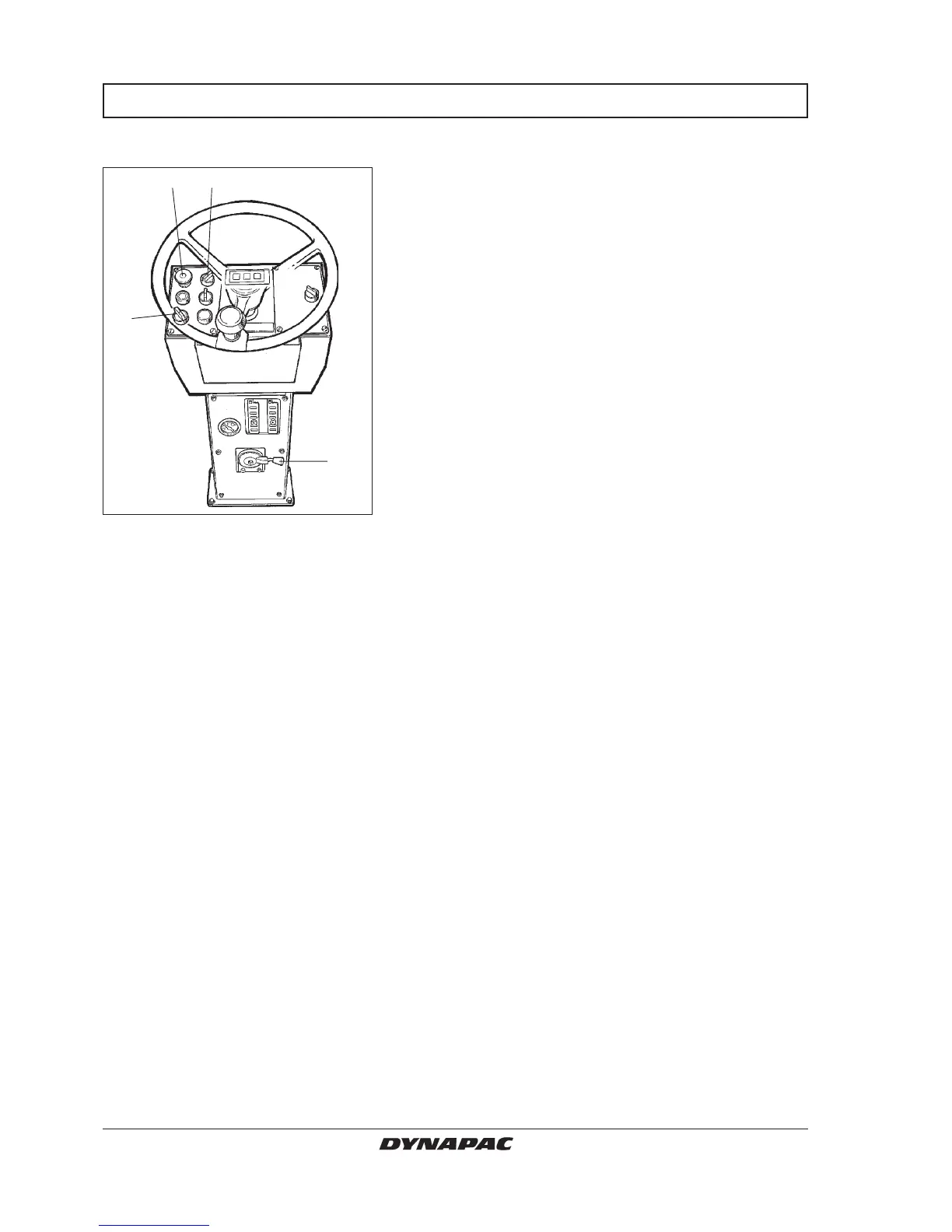
Fig. 27 Instrument column
2. Ignition switch
5. Vibration switch
6. Reserve/parking brake knob
19. Rev control
2
BRAKING
Check instruments and warning lamps to see if any
faults are indicated, switch off all lights and other
electrical functions.
Turn the starter switch (2) to mode O. Lower the instru-
ment cover (on rollers without cab) and lock it.



 To Next Page