Tower ESS User Manual
©Dyness reserves the copyright of this document.
13
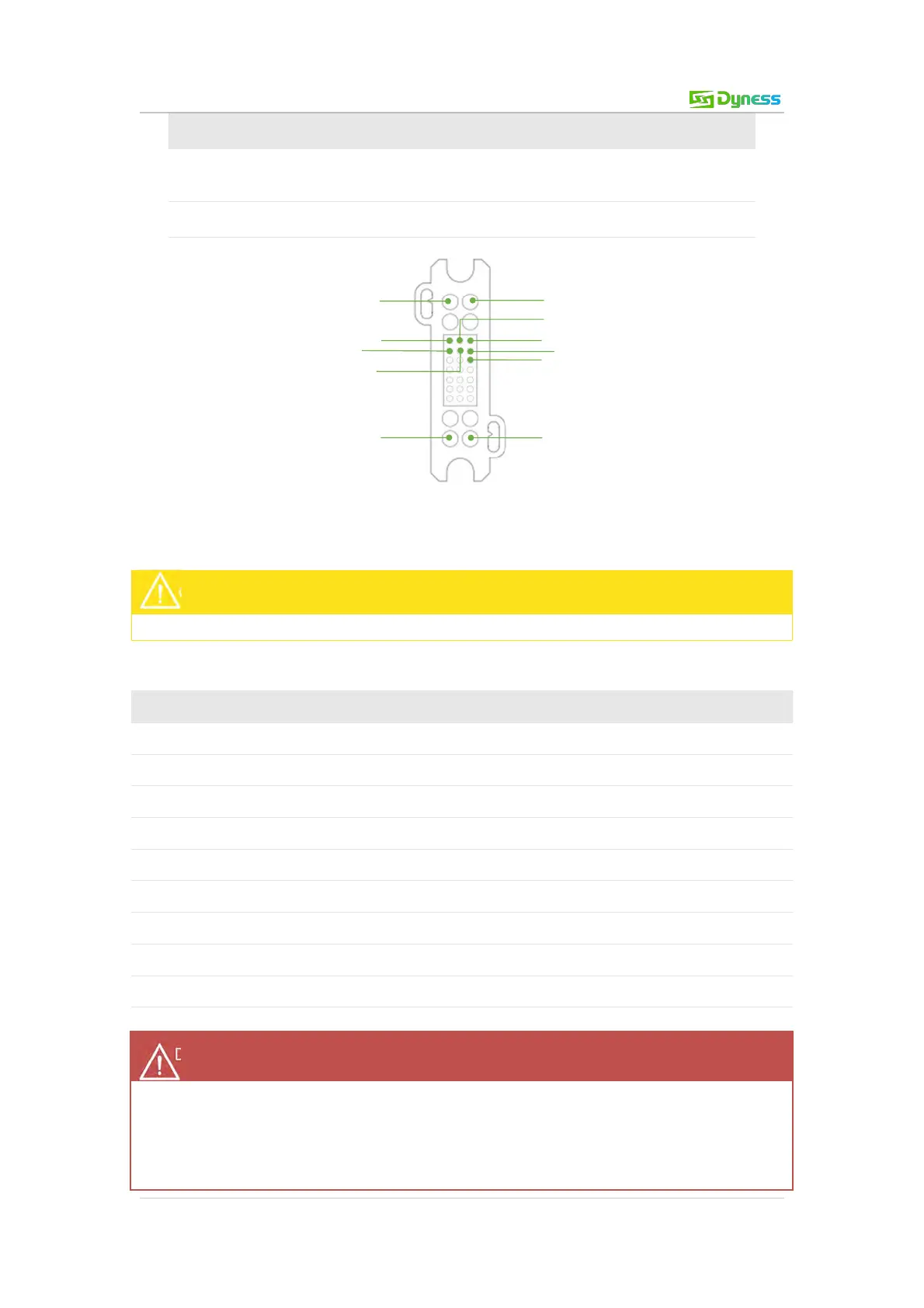
Composite connector
- Socket
Battery module output and communication interface
Receiving and sending WiFi signals.
Figure 2-10 ON/OFF switch
DO NOT switch off during normal operation.
Table 2-6 Port definition
Ensure ON/OFF switch is turned on before waking up the battery. Otherwise it will affect
the auto test process and cause danger.
DO NOT switch off the ON/OFF switch during normal operation, only in emergencies.
Otherwise it will cause the battery current to surge.



 To Next Page