Tower ESS User Manual
©Dyness reserves the copyright of this document.
25
Turn off the entire battery system. Ensure that the negative and positive terminals are
de-energized.
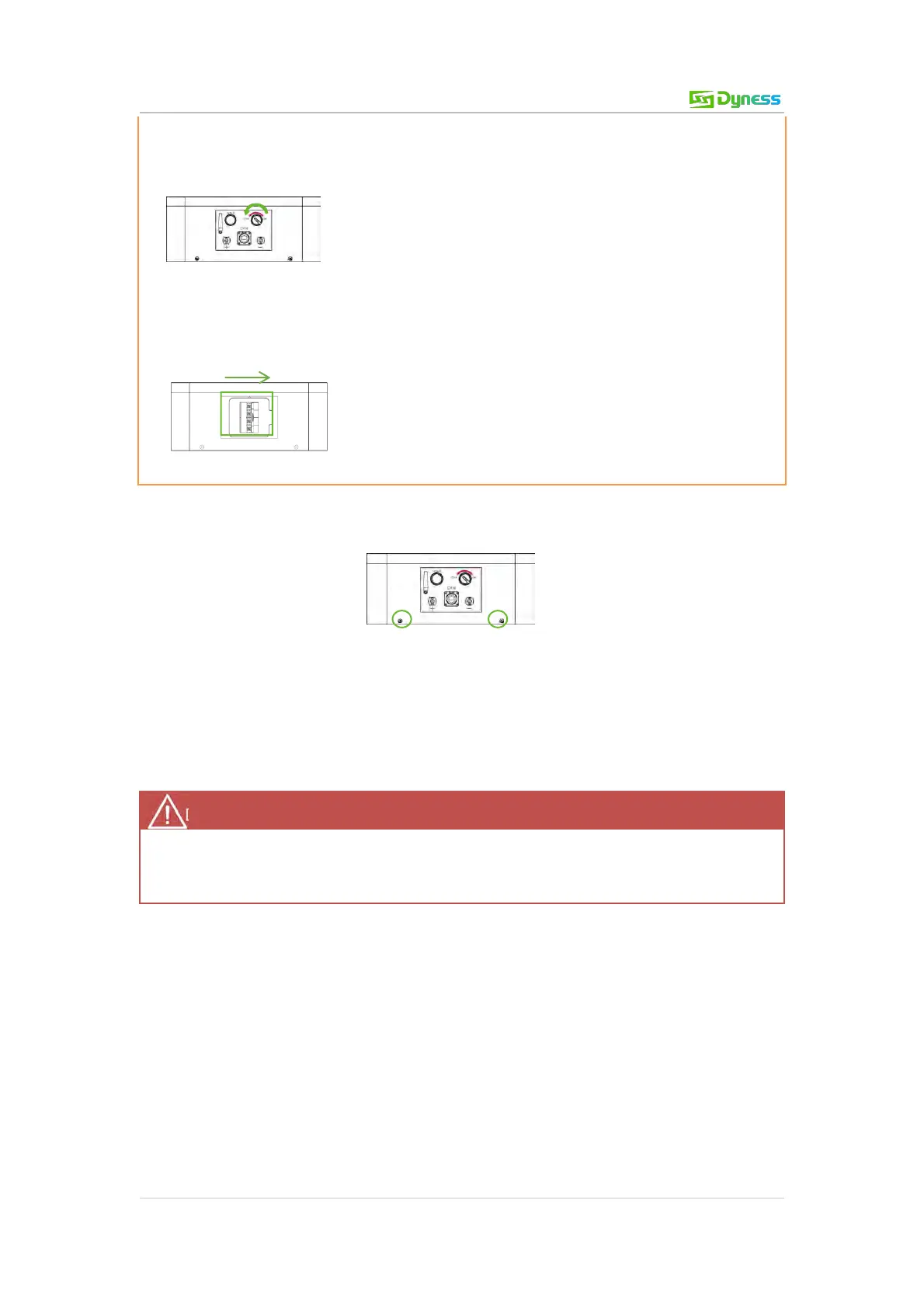
1. Switch the ON/OFF switch off.
2. Switch the BDU DC BREAKER to OFF position.
• Disconnect the connecting cable.
• Remove the four screws on the BDU and remove the BDU from the system.
Figure 4-1 BDU right connections
• Exchange BDU. Then fix it with four screws.
• After replacing the new BDU, the battery self-test needs to be performed again (see
Table 3-2 Battery system self-test).
Battery Maintenance
Battery maintenance should only be carried out by professional and authorized persons.
Switch off the battery system before maintenance.
Voltage check:
[Periodical maintenance] Check the voltage of the battery system with the monitoring
software. Check whether the system voltage is normal. For example: Check whether the
single cell voltage is out of range.
Voltage check:
[Periodical maintenance] Check the SOC of the battery system with the monitoring
software. Check whether the SOC of the batteries is normal.
Cable check:
[Periodical maintenance] Visually inspect all cables of the battery system. Check whether
the cables are broken, aging or loose.



 To Next Page