Tower ESS User Manual
12
©Dyness reserves the copyright of this document.
Battery Controller
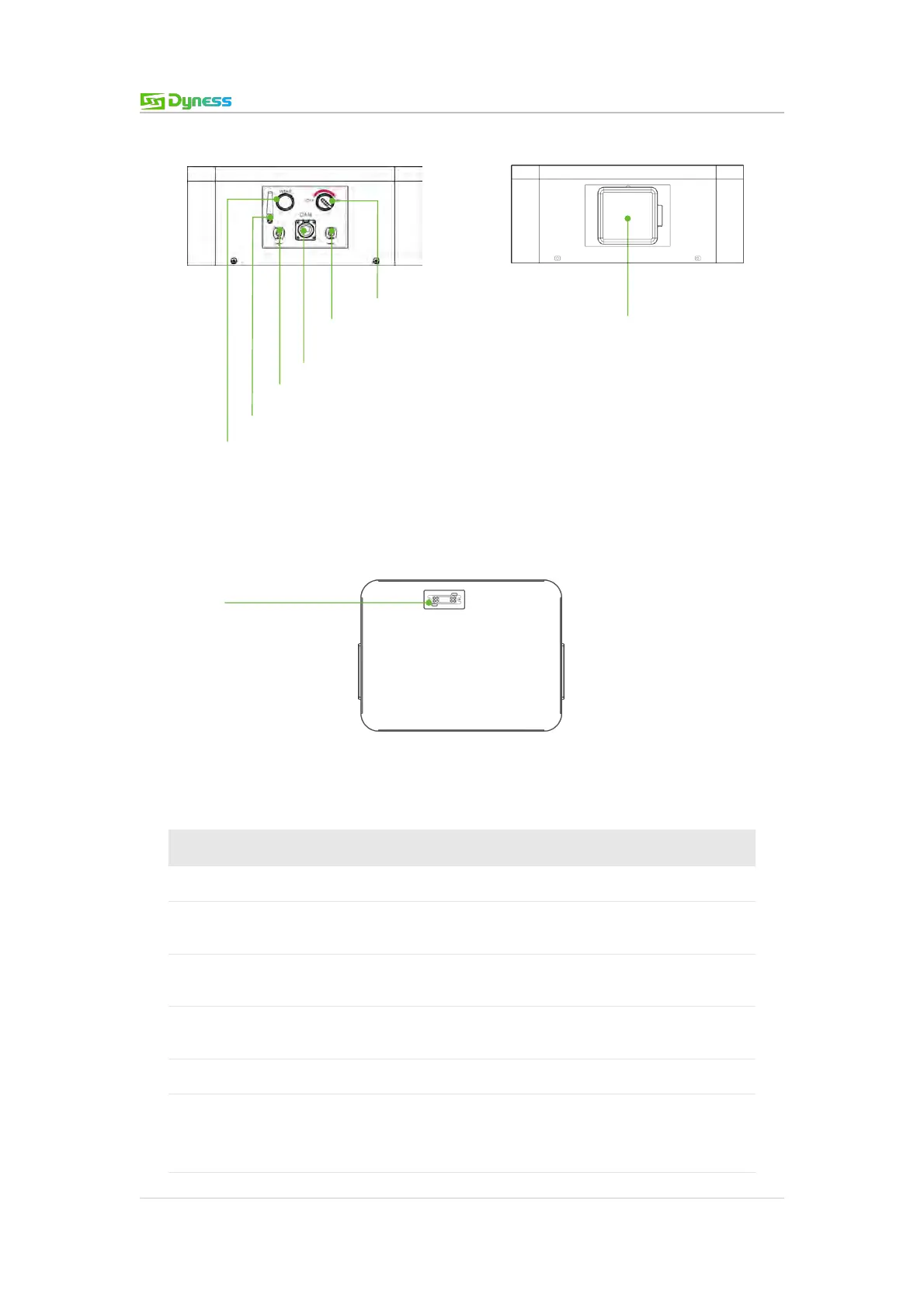
Figure 2-7 BDU right connections
Figure 2-8 BDU left connections
Figure 2-9 BDU bottom connections
Table 2-5 Interface Definition
Press and hold 10s to start the battery system
Connect battery system to inverter positive terminal
EXT-CAN/RS485
communication port
RJ45 communication port between battery system and
inverter
Connect battery system to inverter negative terminal
Switch on to start the BMS system
Master switch of the battery system: Switch on before
switching ON/OFF and WAKE buttons on; short circuit
protection.
EXT-CAN/RS485 Communication
Composite
connector-Socket



 To Next Page