EN
DYON LIVE
19
5 First Time Setup
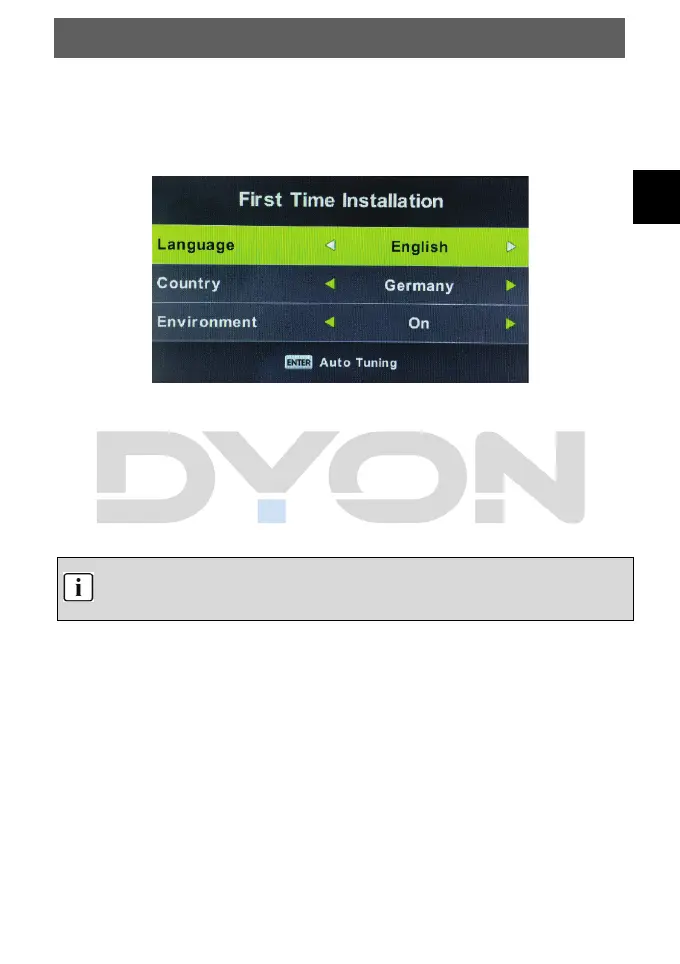
You can choose language and country, auto turning programs. Go to Start Button and the
channels will be searched. And after turning the screen will skip to the first DTV program.
( 1): Select the OSD menu language and press OK to confirm.
( 2): Select the country for DTV reception and press OK to confirm.
The channel search starts now with DTV channel search.
- Press “Exit” to exit the channel search.
The channel search can take a moment please be patient.



 To Next Page