EN
DYON LIVE
20
6 OSD Settings (Main Operations)
Press ◄/► to select the page. Press ▲/▼ to select the setting.
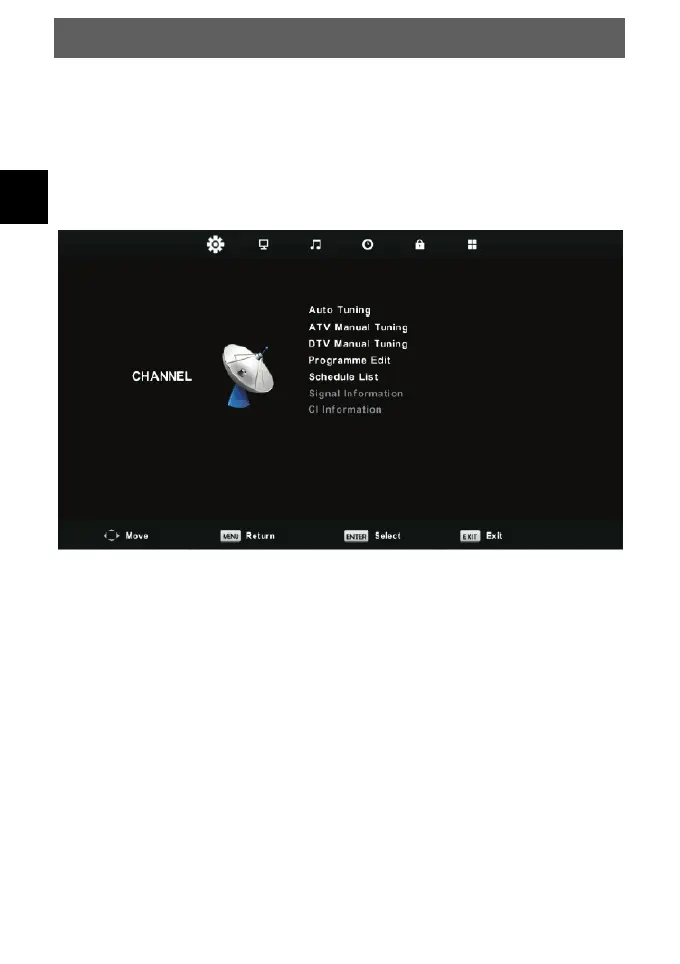
6.1.1 CHANNEL MENU
The first item of the MENU is channel menu (for TV or DTV source only).
You can search channels and edit programs here.
Press MENU button to display the main menu.
Press ◄/► button to select CHANNEL in the main menu.
Press ▲/▼ button to select the option that you want to adjust in the CHANNEL
menu.
Press Enter button to adjust.
After finishing your adjustment, press Enter button to save and return to the
previous menu.



 To Next Page