EN
DYON LIVE
38
6.1.6 Setup Menu
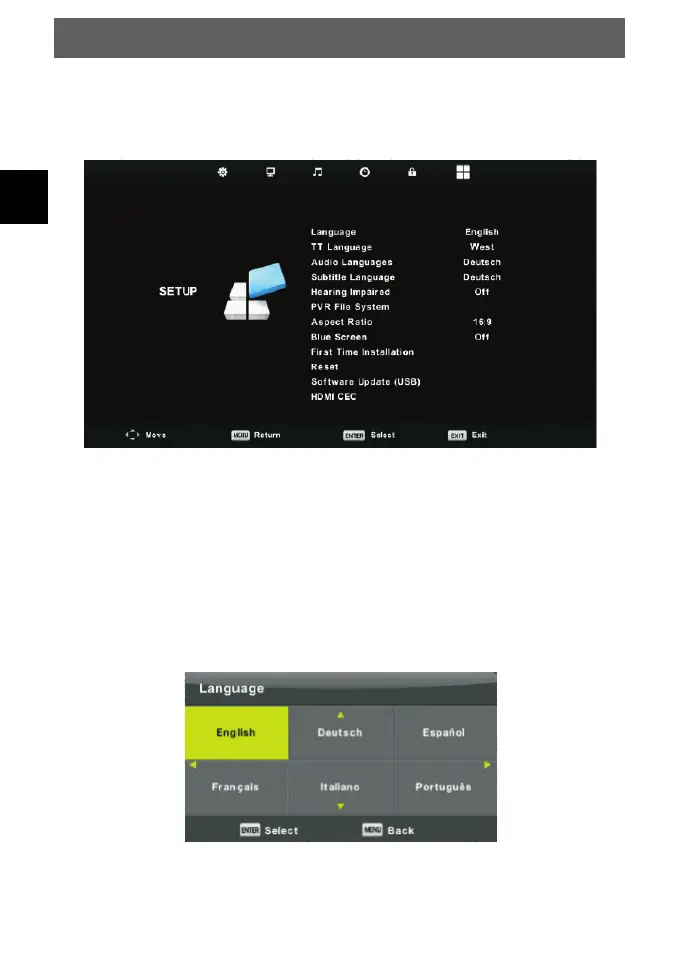
The sixth item of the menu is the SETUP MENU.
Press MENU button to display the main menu.
Press ◄/► button to select SETUP in the main menu.
1. Press ▼/▲ button to select the option that you want to adjust in the SETUP menu.
2. Press Enter button to adjust.
3. After finishing your adjustment, Press Enter button to save and return to the previous
menu.
OSD Language
Select an OSD menu language can be displayed. Default English is selected as menu
language.
Press ▼/▲/◄/► button to select Menu Language.



 To Next Page