EN
DYON LIVE
47
8.1 Connecting a USB Devices for playing media files
The TV set has an USB Port to upgrade the software and playing media files.
1. If possible, please connect USB devices directly to the Devices USB interface.
If this is not possible, use only USB extension cables not exceeding 25 cm.
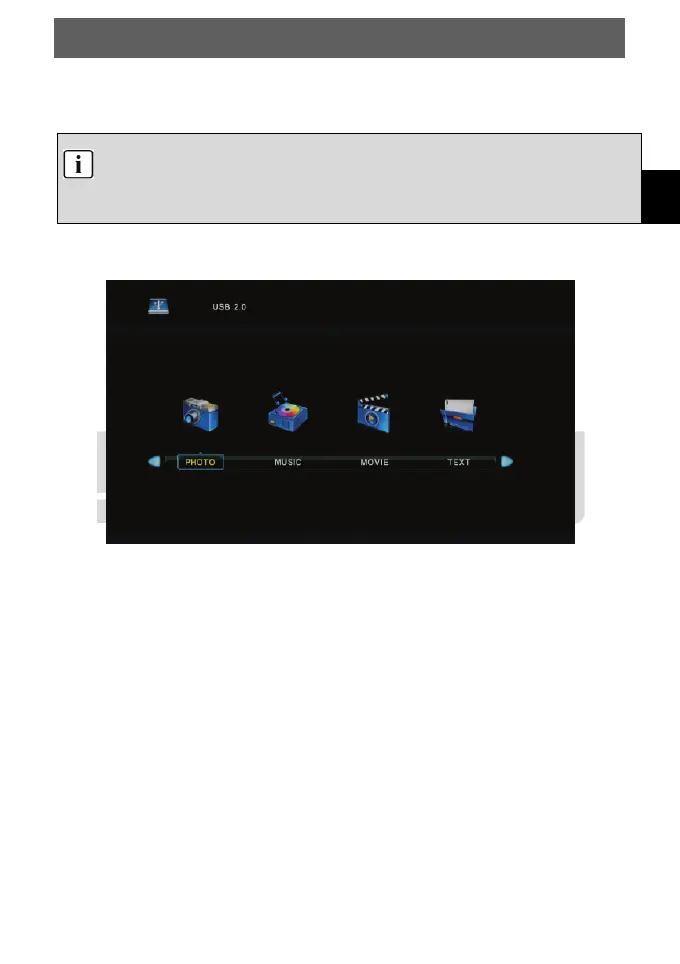
2. Before operating Media menu, Plug in USB device, then press INPUT button to
set the Input Source to Media.
Press ▼/▲ button to select Media in the Source menu, the press Enter button to enter.
Press ◄/► button to select the option you want to adjust in the main Media menu, then
press Enter button to enter.



 To Next Page