EN
DYON LIVE
28
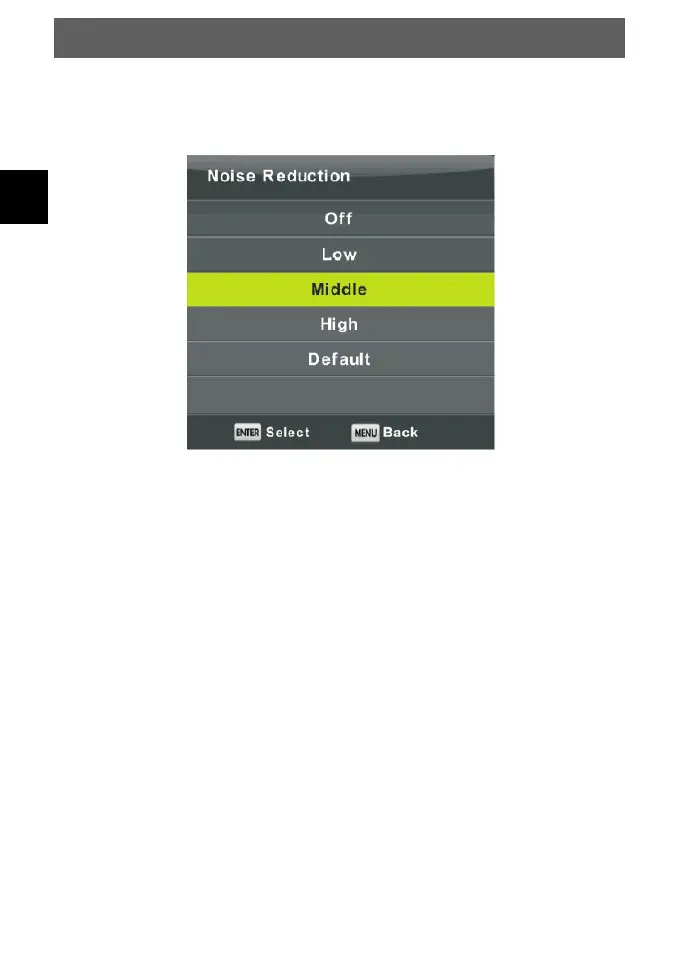
Noise Reduction
To filter out and reduces the image noise and improve picture quality.
Press ▼/▲ button to select Noise Reduction, then press OK button to enter sub-menu.
Off Select to turn off video noise detection.
Low Detect and reduce low video noise.
Middle Detect and reduce moderate video noise.
High Detect and reduce enhanced video noise.
Default Set as Default.



 To Next Page