EN
DYON LIVE
32
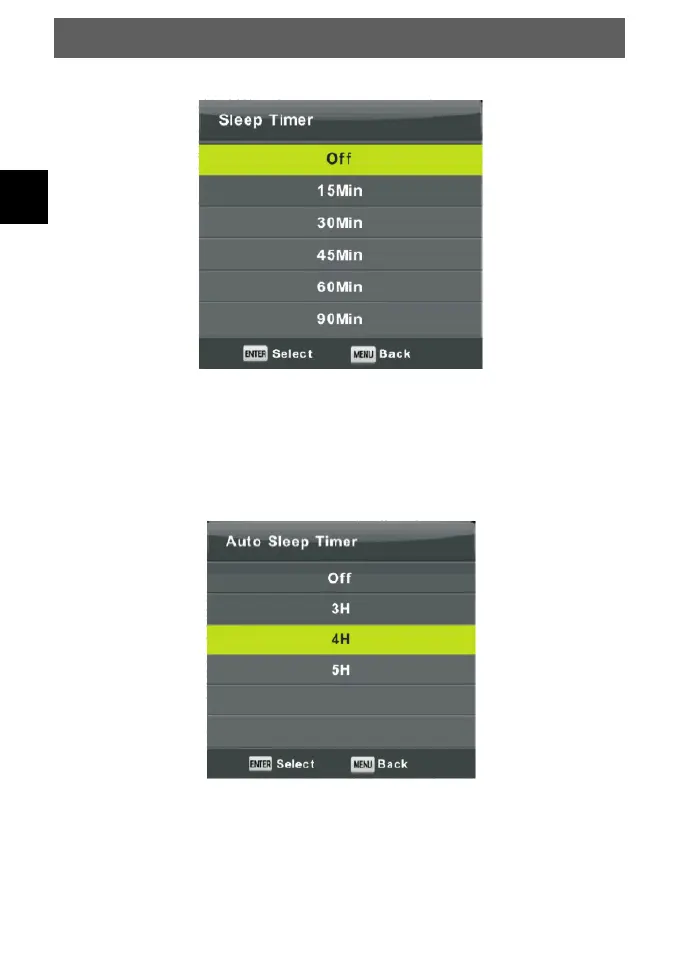
Sleep Timer
Press ▼/▲ button to select Sleep Timer, then press Enter button to enter sub-menu.
Press ▼/▲ button to select select.
(Available options are: Off, 10min, 20min, 30min, 60min, 90min, 120min, 180mm, 240min).
Auto Standby
Press ▼/▲ button to select Auto Standby, then press Enter button to enter sub-menu.
Press ▼/▲ button to select select.
Tips: The remote control does not make any operation in the hypothesis time, it will close
down automatically. If you do any operation, it will reset the time.



 To Next Page