14 multiclock - user manual
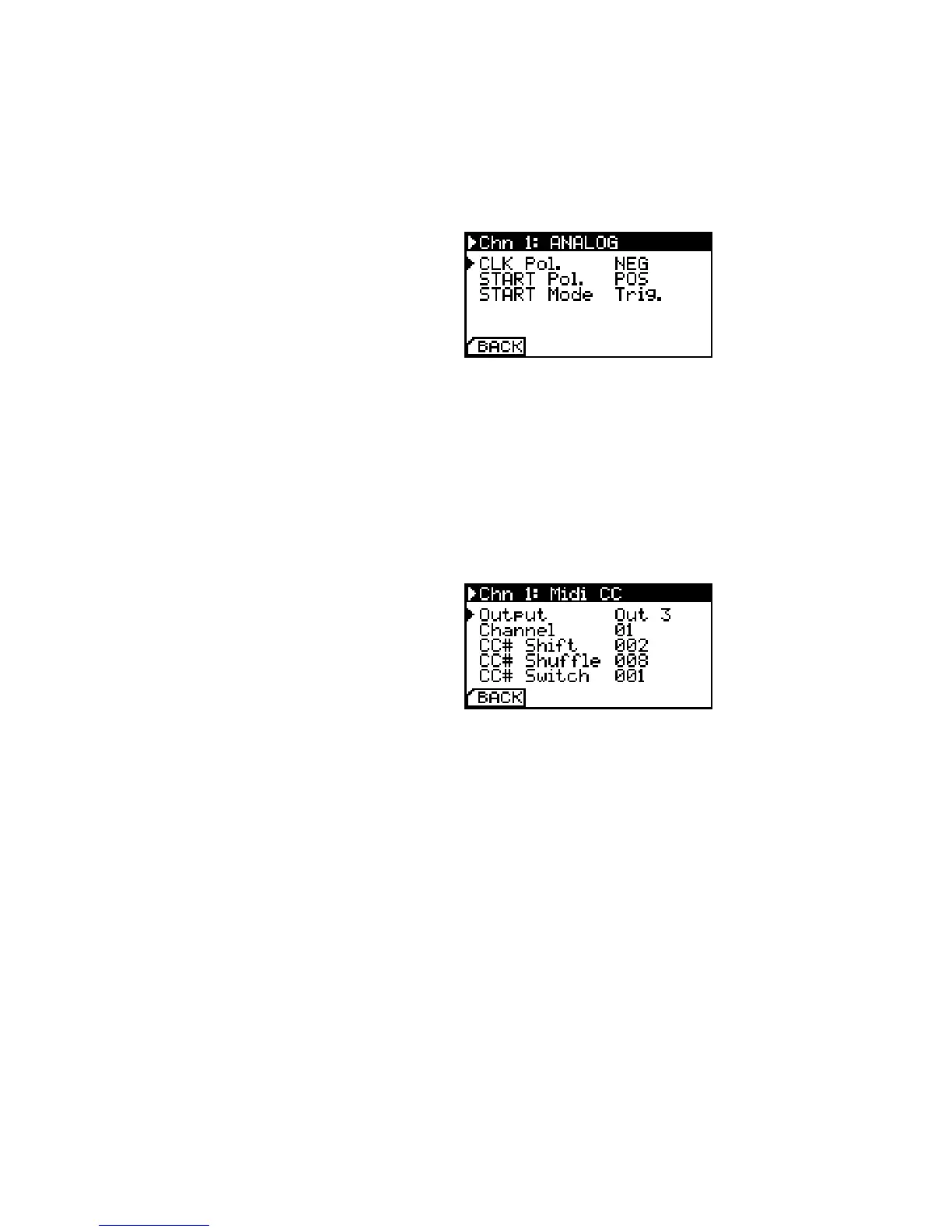
START Mode can be set to emit a trigger pulse (Trig.), optionally
skip the rst clock pulse after start (Trig sk) or simply act as a gate
(Gate). Be sure to check your modular sequencers manual if you
are in doubt.
Analog Conguration. This mode can
also be used with DIN Sync instruments
to implement clock dividers.
Midi Controller Conguration
If you happen to have unused clock channels on your multiclock
and need a basic MIDI Controller for one of your synths, simply
congure the knobs to emit MIDI Control Change commands by
setting Chn Mode to Ctrl.
Midi CC Conguration. Messages can
be routed to dierent outputs.
You can congure the output port, MIDI Channel and control
change number. Knobs send values between 0 and 127, buttons
toggle between the min and max value, button state is indicated by
the channel’s status led.


 To Next Page