Using USB MIDI
MIDI Forwarding
If your multiclock has a USB module installed, you are able to add
other MIDI commands from a DAW to the timing accurate MIDI
clock streams.
There is one virtual USB MIDI output for every physical channel.
MIDI data transmitted to one of them get’s merged with priority
for the clock ticks into the MIDI clock stream of the respective
channel. A complete table of supported commands can be found
below:
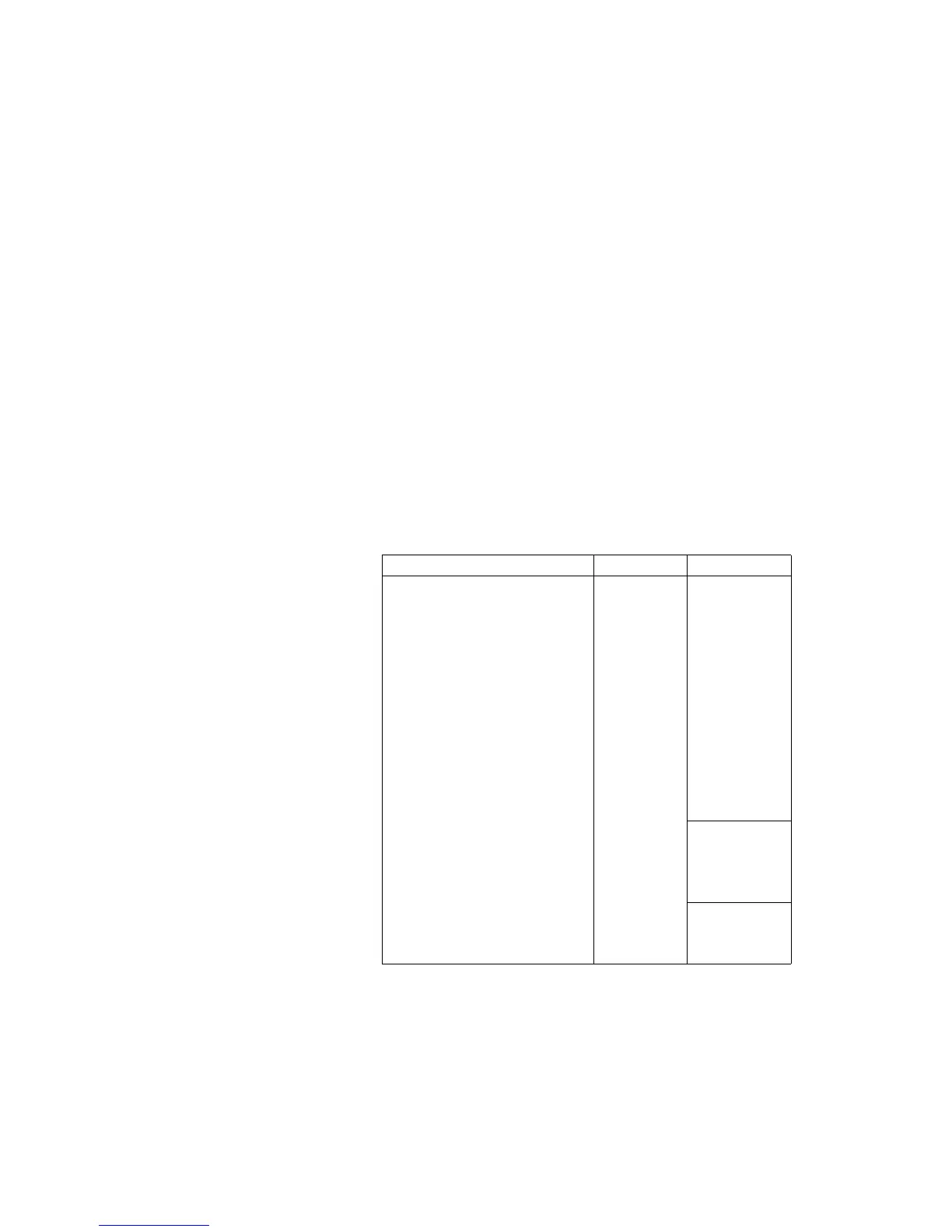
USB MIDI Forwarding Table. Please
note that a small n as in 0x9n species
the MIDI channel number. All 16 chan-
nels are supported but might be used
by MIDI Remote or other functions as
congured.
MIDI Command Forwarded Comment
Note On 0x9n ✓
Note O 0x8n ✓
Aftertouch 0xAn ✓
Control Change 0xBn ✓
Programm Change 0xCn ✓
Channel Pressure 0xDn ✓
Pitch Bend 0xEn ✓
Sysex 0xF0 ✓
Song Select 0xF3 ✓
MIDI Time Code 0xF1 -
Song Position Pointer 0xF2 -
Tune Request 0xF6 -
MIDI Clock 0xF8 -
generated
by
multiclock
MIDI Start 0xFA -
MIDI Stop 0xFC -
MIDI Continue 0xFB -
MIDI Tick 0xF9 -
Active Sensing 0xFE -
Reset 0xFF -
As the USB module is a standard class compliant MIDI device, usual
MIDI timing applies. Transmitted data can not be shifted in any
direction in time.


 To Next Page