using usb midi 21
Parameter Remote Control
In addition to control shift and shue amount on the respective
knobs, those parameters can also be changed and read remotely
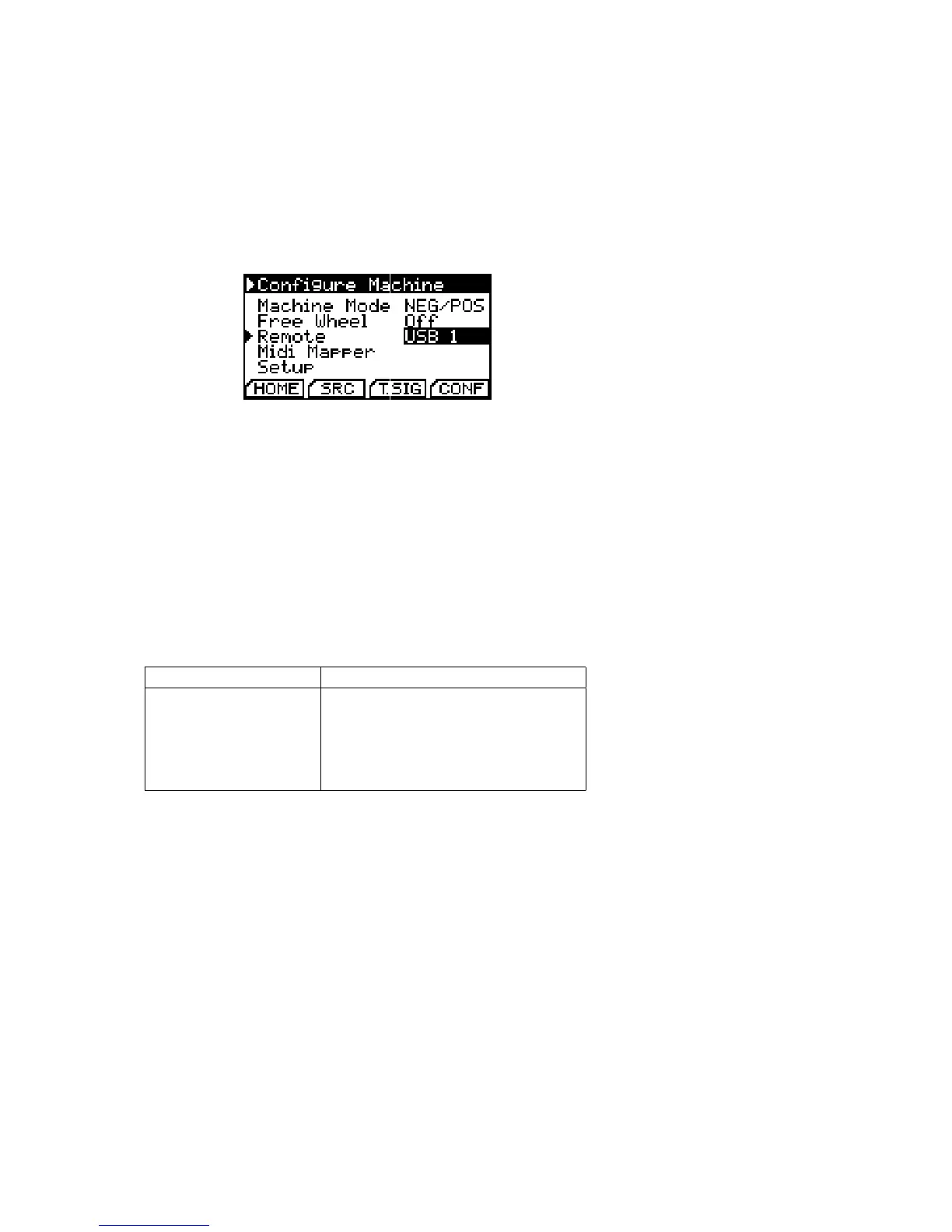
over USB using MIDI commands. To enable this feature, switch
Remote in the advanced settings to your desired USB MIDI port.
Enable MIDI Remote Control
To send a snapshot of the current parameter settings to your DAW
you need to lock the respective channel. Channels are locked by
pressing set channel and the respective channel number during
playback. Refer to section 3.3.1 (p. 11) for
further information on channel lock.
All current channel settings are then transmitted over USB MIDI
and the channel number on the home screen changes to L.
This snapshot can be recorded and replayed to the multiclock
each time you want the same shift and shue settings again. De-
tails on the snapshot structure can be found in the table below.
Please note that all controls can also be sent independently.
Remote function MIDI Command
Controlled sync channel MIDI Channel n=1-4
Shift amount Pitch Bend 0xEn 0xvv 0xuu
Shue amount Mod Wheel (CC1) 0xBn 0x01 0xww
Start channel Note #36 On 0x9n 0x24 0x7F
Stop channel Note #38 On 0x9n 0x26 0x7F
USB MIDI Remote Control Implemen-
tation. Shift uses the top 12 bits of
uuvv, shue uses ww from 0-99.
When the multiclock has received a snapshot or your own automa-
tions, the L on the homescreen changes to R to indicate the remote
operation.
To exit remote operation and return to the knobs, simply unlock
the channel by pressing set channel and the respective channel
number during playback again.


 To Next Page