125
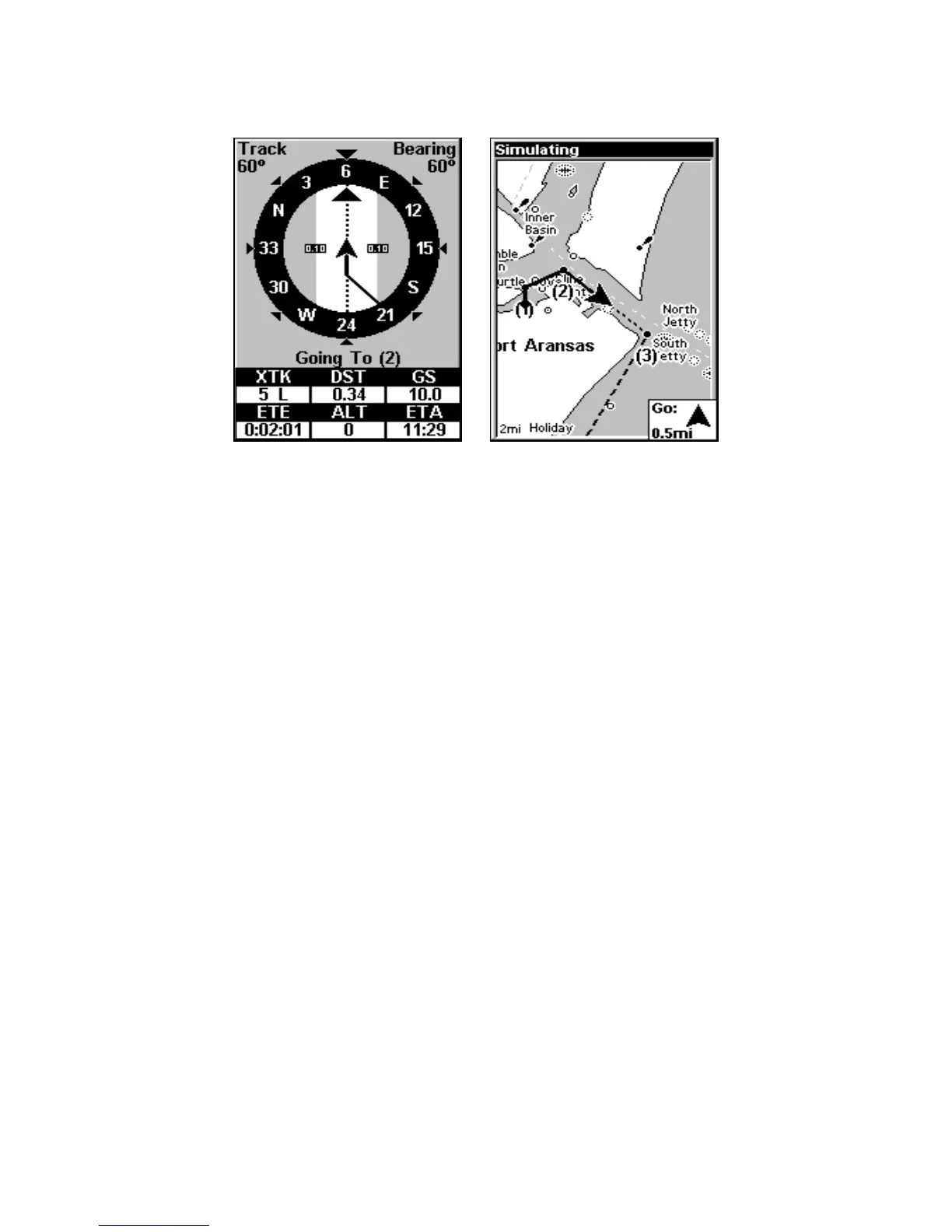
In Fig. 3 the traveler has turned northeast on his new course and is
heading straight for Wpt 2, which is 0.28 miles away. Fig. 4 shows route
navigation on the Map Page. In this figure, the traveler has reached Wpt
2 and is starting on the leg between Wpts 2 and 3.
Navigate a Route in Reverse
Here is how you run a route backward from the end waypoint to the
beginning waypoint:
1. From the
NAVIGATION PAGE, press MENU|ENT or from the MAP PAGE,
press
MENU|MENU|↓ to ROUTE PLANNING|ENT.
2. Press ↓ to select route name|
ENT|→ to REVERSE|ENT|← to NAVIGATE
ROUTE|ENT.
3. Upon arrival at your destination, cancel navigation:
press
MENU|MENU|↓ to CANCEL NAVIGATION|ENT|← to YES|ENT.
Trails
Delete a Trail
This is the command used to erase or delete a trail:
Press
MENU|MENU|↓ to MY TRAILS|ENT|↓ to trail name|ENT|↓ to DELETE
TRAIL|ENT|← to YES|ENT.
Figure 4.
Figure 3.
www.Busse-Yachtshop.de email: info@busse-yachtshop.de



 To Next Page