80
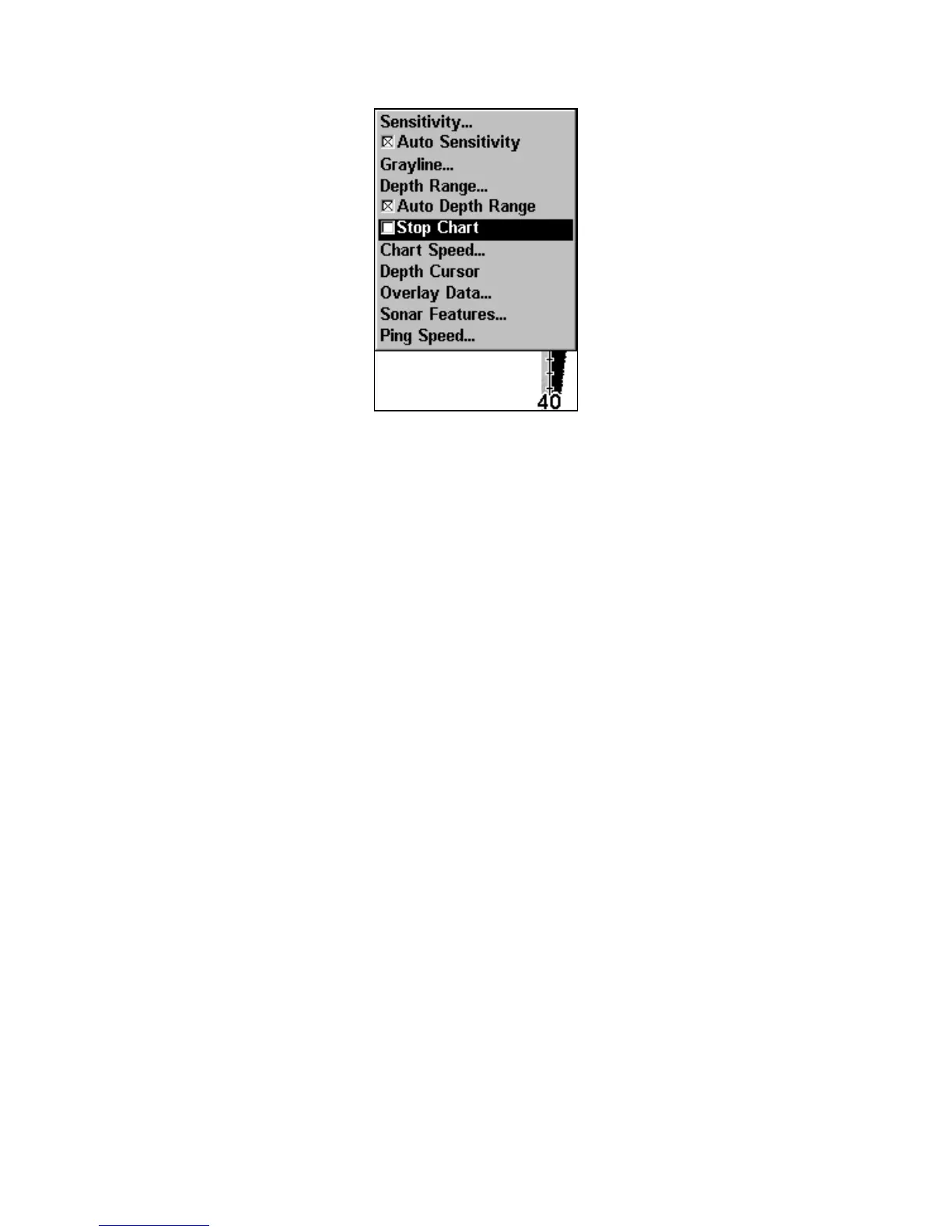
Sonar Menu with Stop Chart selected. The box is unchecked, indicat-
ing the chart is scrolling across the screen.
Surface Clarity
The onscreen marks scattered at the top of the sonar chart are known
as surface clutter. They are caused by wave action, boat wakes, tem-
perature inversion and more.
The surface clarity control reduces or eliminates surface clutter signals
from the display. It does this by changing the sensitivity of the receiver,
decreasing it near the surface and gradually increasing it as the depth
increases.
There are four levels of surface clarity available: off, low, medium or
high. The default level is off.
To adjust the Surface Clarity level:
1. From the Sonar Page, press
MENU|↓ to SONAR FEATURES|ENT|ENT.
2. Press
↓ ↑ to select clarity level, then press EXIT repeatedly to get back
to the main page display.
www.Busse-Yachtshop.de email: info@busse-yachtshop.de



 To Next Page