149
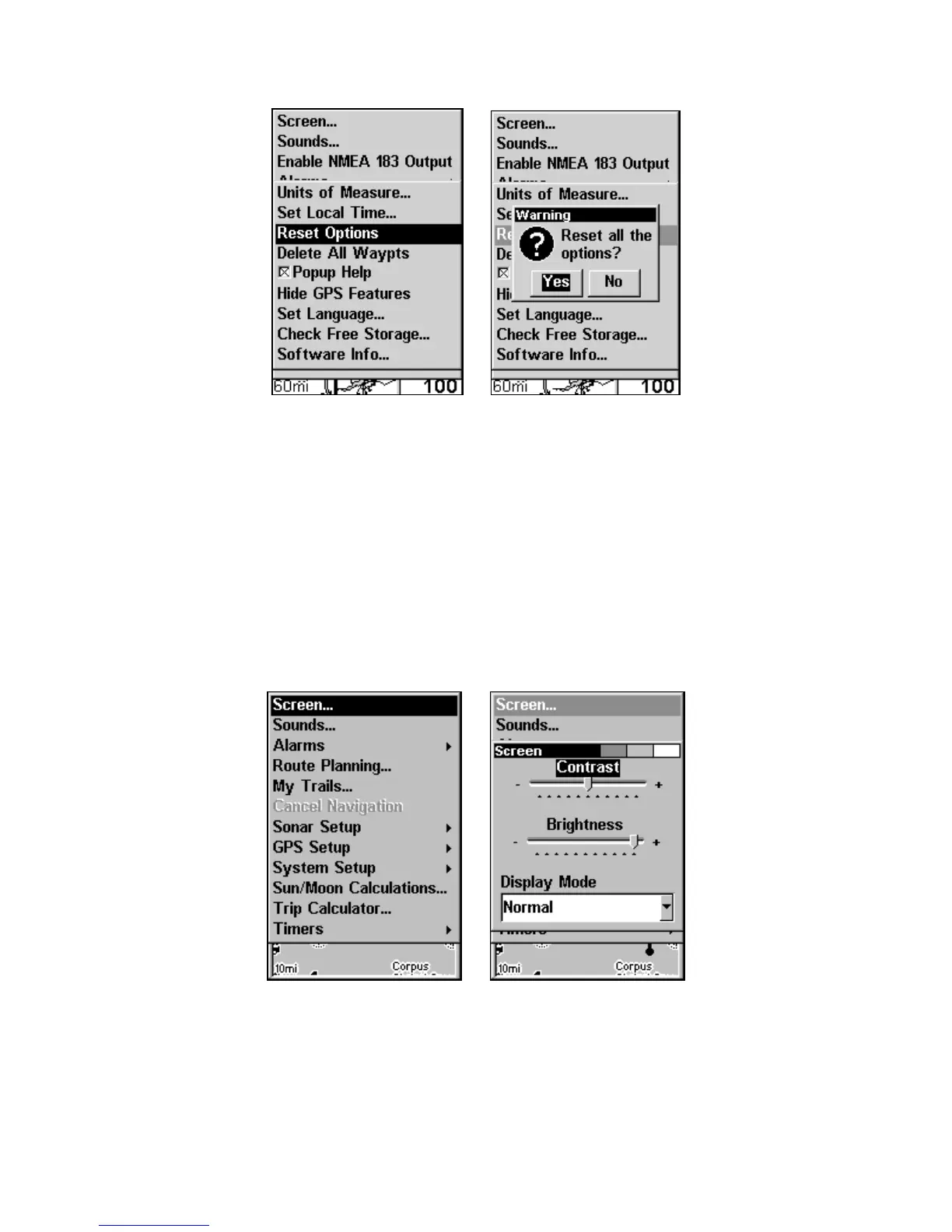
System Menu with Reset Options selected (left).
Reset Options confirmation message (right).
Screen Contrast and Brightness
To access the Screen menu, press MENU|MENU|ENT.
To adjust the display's contrast:
The
CONTRAST slider bar is already selected. Press ← → to move the bar.
The left end of the scale is minimum contrast. The right end is maxi-
mum contrast.
Screen command highlighted (left). Screen Menu
with Contrast bar selected (right).
www.Busse-Yachtshop.de email: info@busse-yachtshop.de



 To Next Page