133
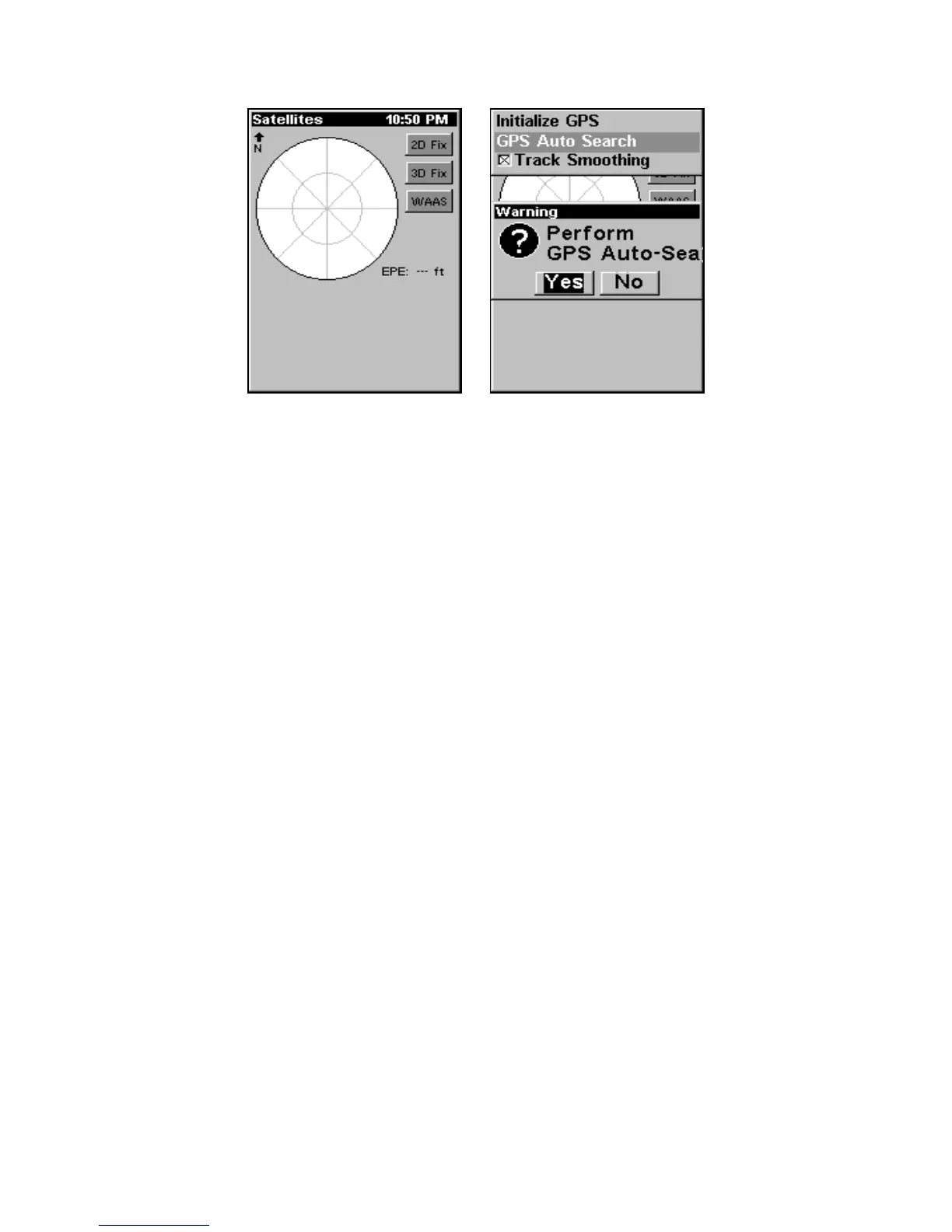
GPS Auto Search on the Satellite Status Menu.
You can force the unit to immediately kick into auto search mode.
1. Press
PAGES|← to MAP|↓ to SATELLITES.
2. Press
MENU|↓ to GPS AUTO SEARCH|ENT|← to YES|ENT.
Coordinate System Selection
The Coordinate System Menu lets you select the coordinate system to
use when displaying and entering position coordinates.
To get to Coordinate System Selection:
1. Press
MENU|MENU|↓ to GPS SETUP|ENT.
2. Press ↓ to
COORDINATE SYSTEM|ENT.
www.Busse-Yachtshop.de email: info@busse-yachtshop.de



 To Next Page