126
Tip:
You can also delete all trails at once:
1. Press
MENU|MENU|↓ to MY TRAILS|ENT.
2. Press → to
DELETE ALL|ENT|← to YES|ENT.
Edit a Trail Name
To edit a trail name: press
MENU|MENU|↓ to MY TRAILS|ENT|↓ to trail
name|
ENT|ENT. Press ↑ or ↓ to change the first character, then press
→ to the next character and repeat until the name is correct. Press
ENT
then EXIT repeatedly to return to the previous page display.
Tip:
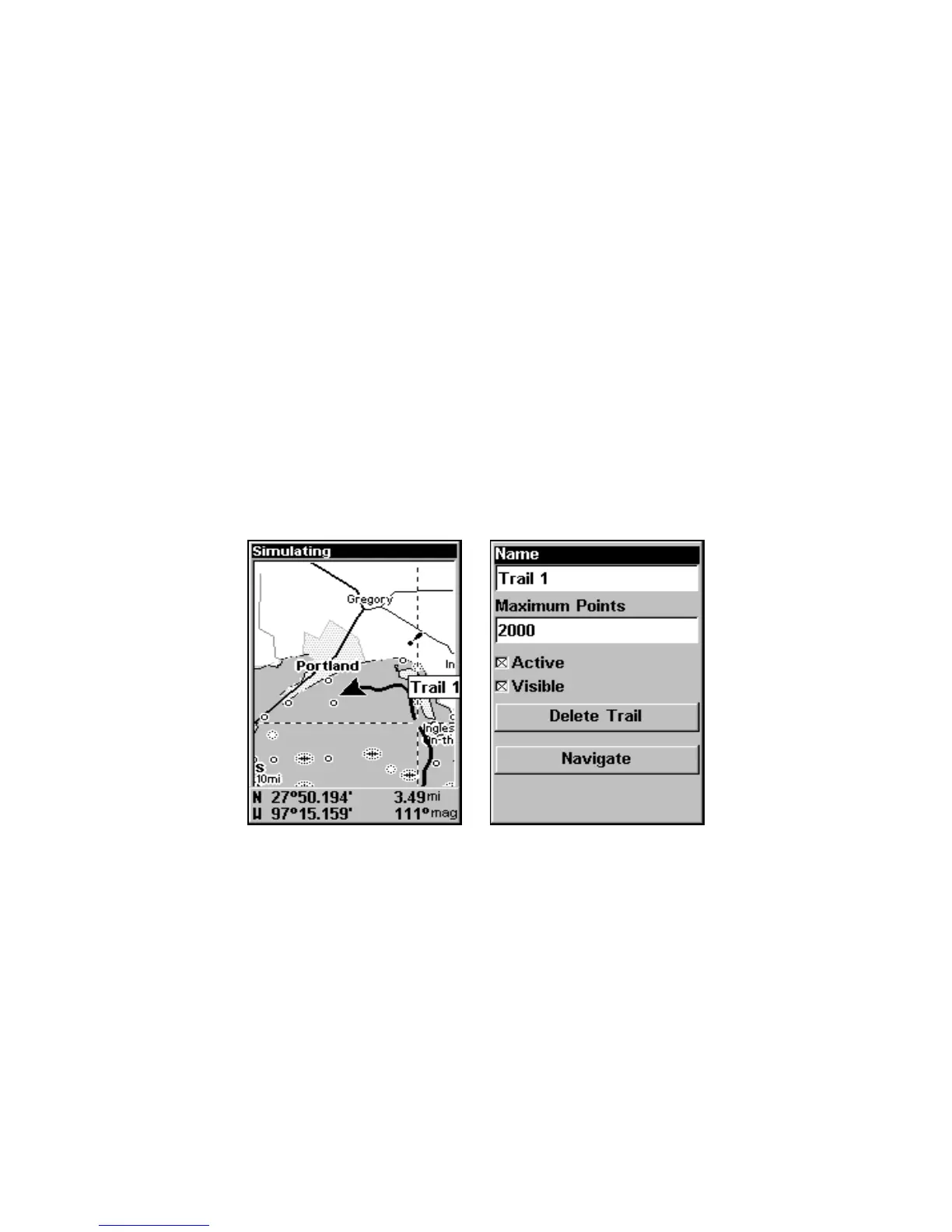
You can quickly call up the Edit Trail menu by selecting a trail on
the map with the cursor. Move the cursor over a trail and a pop-up
box appears. Press
WPT and the Edit Trail menu opens.
Trail selected with map cursor (left). The box at the bottom of the
screen shows distance and bearing from current position to the se-
lected point on the trail. The Edit Trail menu (right).
Utilities
Utilities are useful tools for traveling and outdoor activities.
Alarm Clock
To get to the alarm clock menu press
MENU|MENU|↓ to TIMERS|ENT|↓
to
ALARM CLOCK|ENT.
www.Busse-Yachtshop.de email: info@busse-yachtshop.de



 To Next Page