148
Pop-up Help
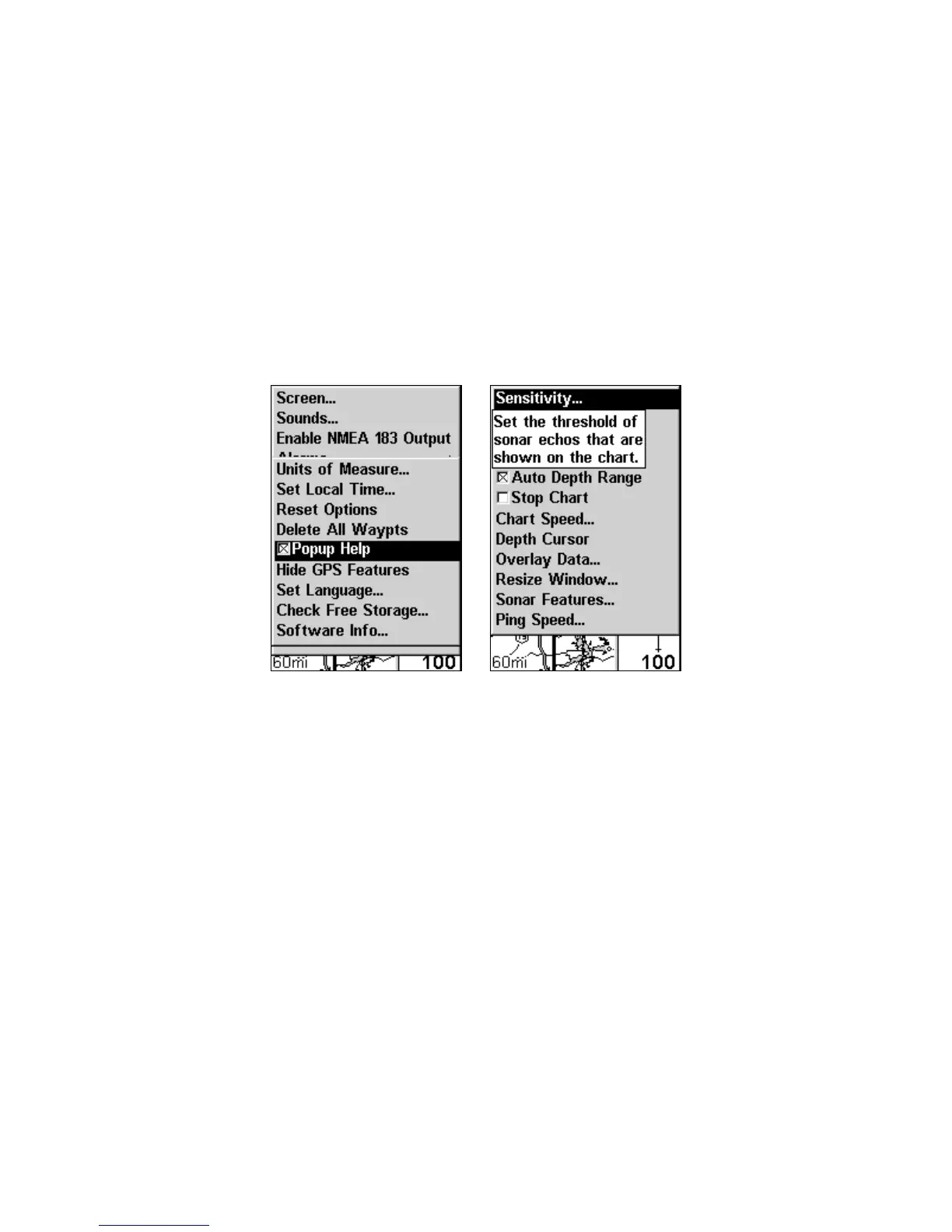
Help is available for most all menu items in this unit. By leaving a
menu item highlighted for a few seconds, a pop-up message appears
that describes its function. This feature is on by default.
To set up Popup Help: Press
MENU|MENU|↓ to SYSTEM SETUP|ENT|↓
to
POPUP HELP. With the option highlighted, press ENT to turn it on
(check) and turn it off (uncheck). After the option is set, press
EXIT|EXIT
to return to the main page display.
System Setup Menu (left) with Pop-up Help highlighted. The
Pop-up Help message for the Sensitivity command (right).
Reset Options
To reset all features to factory defaults:
Press
MENU|MENU|↓ to SYSTEM SETUP|ENT|↓ to RESET OPTIONS|ENT|← to
YES|ENT.
NOTE:
Reset Options does not erase any waypoints, routes, icons, plot trails or
sonar logs.
www.Busse-Yachtshop.de email: info@busse-yachtshop.de



 To Next Page