62
drifting very slowly. You may achieve better fish signals when you de-
crease the chart speed until it matches your speed across the water.
If you are at anchor, ice fishing or fishing from a dock, experiment with
a chart speed around 50 percent. If you are drifting slowly, try a chart
speed around 75 percent. When you are stationary and a fish swims
through the sonar signal cone, the image appears on the screen as a
long line instead of a fish arch. Reducing the chart speed may result in
a shorter line that more closely resembles a regular fish return.
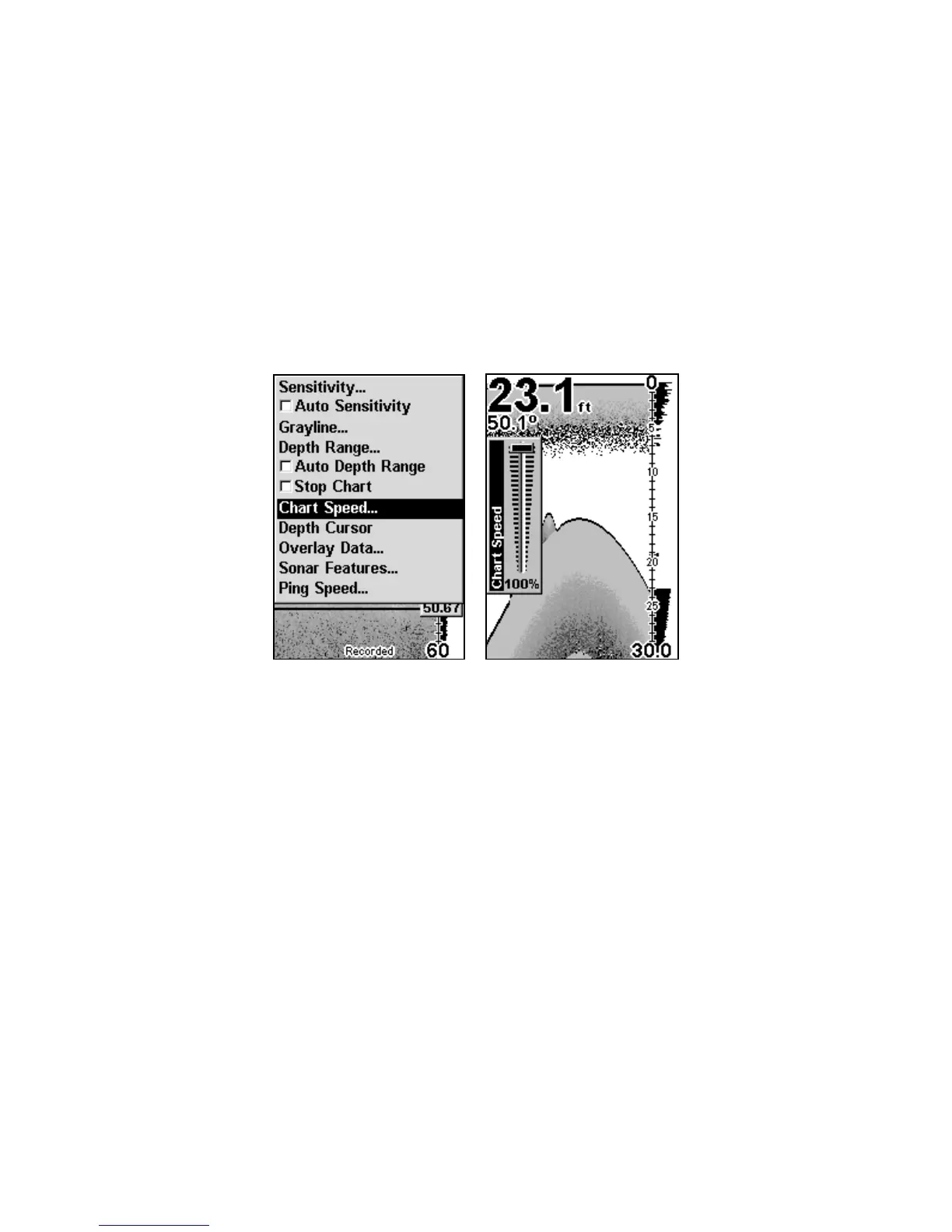
Sonar Page menu with Chart Speed command selected (left).
Chart Speed Control Bar (right).
If you do experiment with chart speed, remember to reset it to maxi-
mum when you resume trolling or moving across the water at a higher
speed. To change chart speed:
1. From the Sonar Page, press
MENU|↓ to CHART SPEED|ENT.
2. The Chart Speed Control Bar appears. Press ↓ to decrease chart
speed. Press ↑ to increase chart speed.
3. When it is set at the desired level, press
EXIT.
www.Busse-Yachtshop.de email: info@busse-yachtshop.de



 To Next Page