15
SOFTWARE
The dental image management software performs the interface with the Intraoral
dental digital imaging sensor New IDA and the user, allowing the visualization,
improvement, storage, sending, printing among other functions.
Software installation
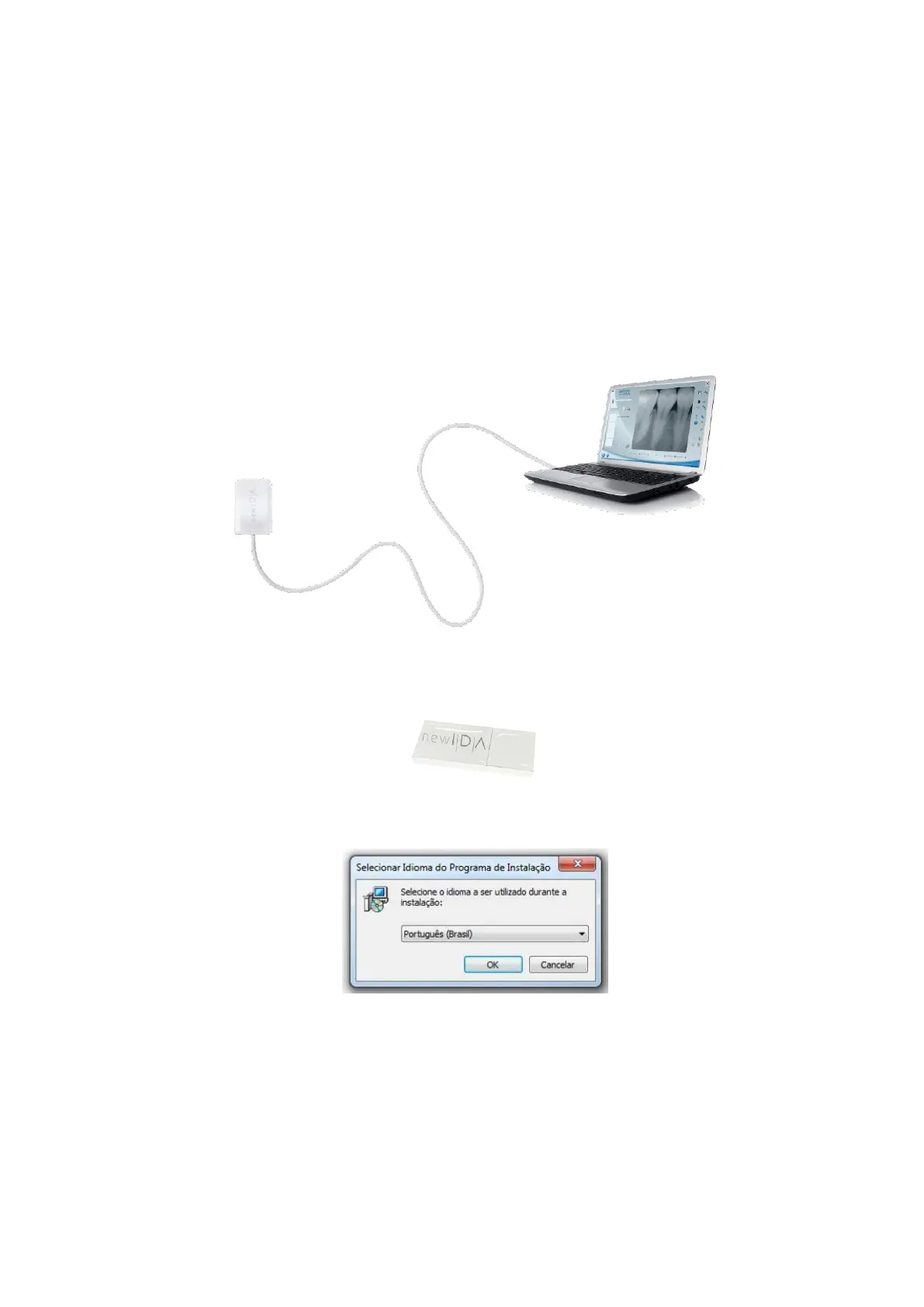
Insert the sensor in the USB port of the computer
Connect the flash drive that accompanies the New IDA in the USB port, open the
device and click on the file setup_New_IDA_2_0_0_X
Select the desired language and click on OK
Read and understand the End User License Agreement and, if you accept, click
on I accept the terms of the Contract. Click Next.



 To Next Page