39
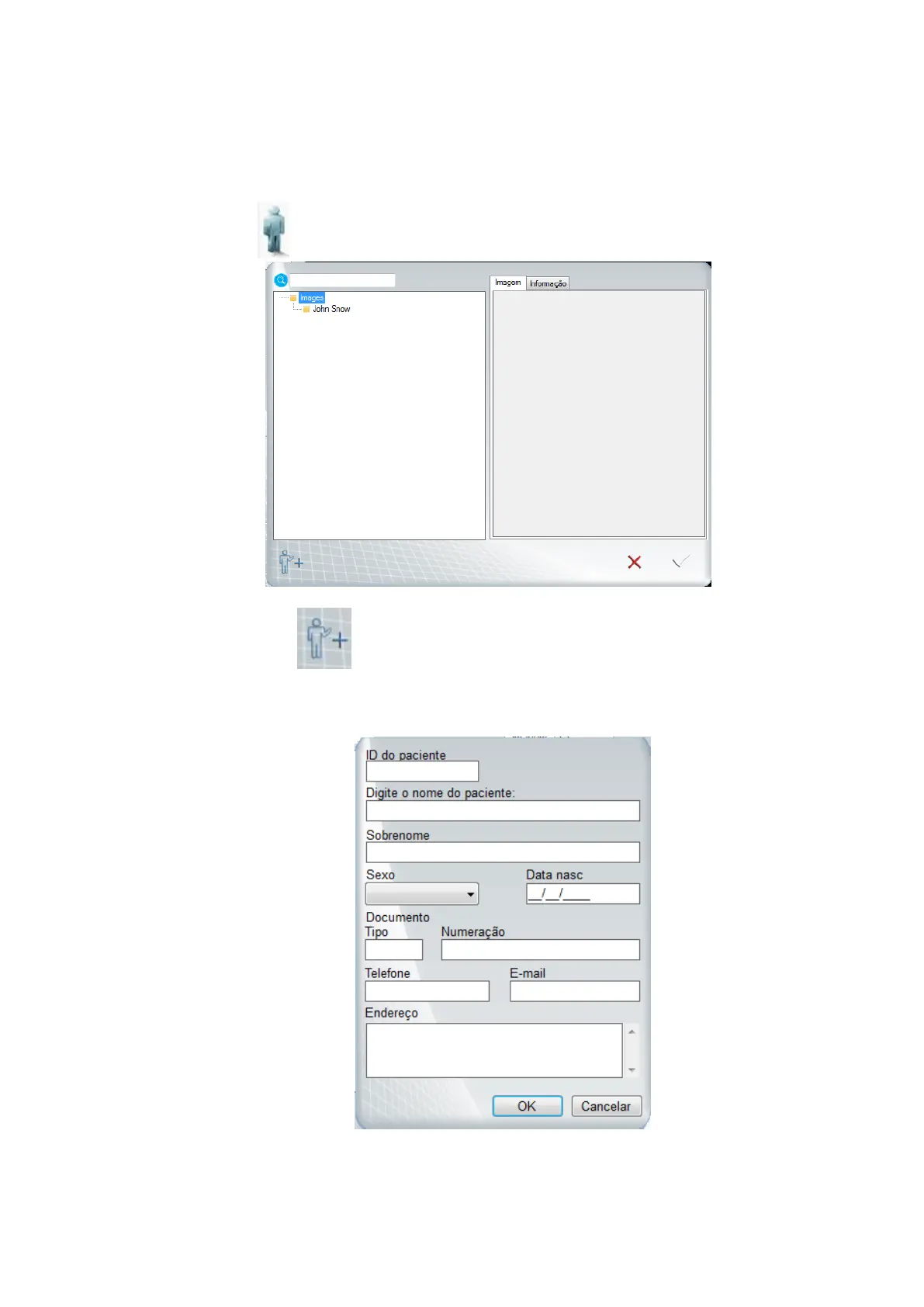
Create a new registration of patient
Click on icon the next screen will be shown
Next, click on icon
Fill the fields to do the registration of the new patient (Name and Last name are
obligatory fields). Next, click "OK"
Select the file that you created and click OK.
The name of the folder appears in the capture window. The images will be stored in
this folder.



 To Next Page