40
Opening a patient registration
Click on the icon
Select the patient directory that you want to open.
Click on to confirm or click on to go back to the initial interface.
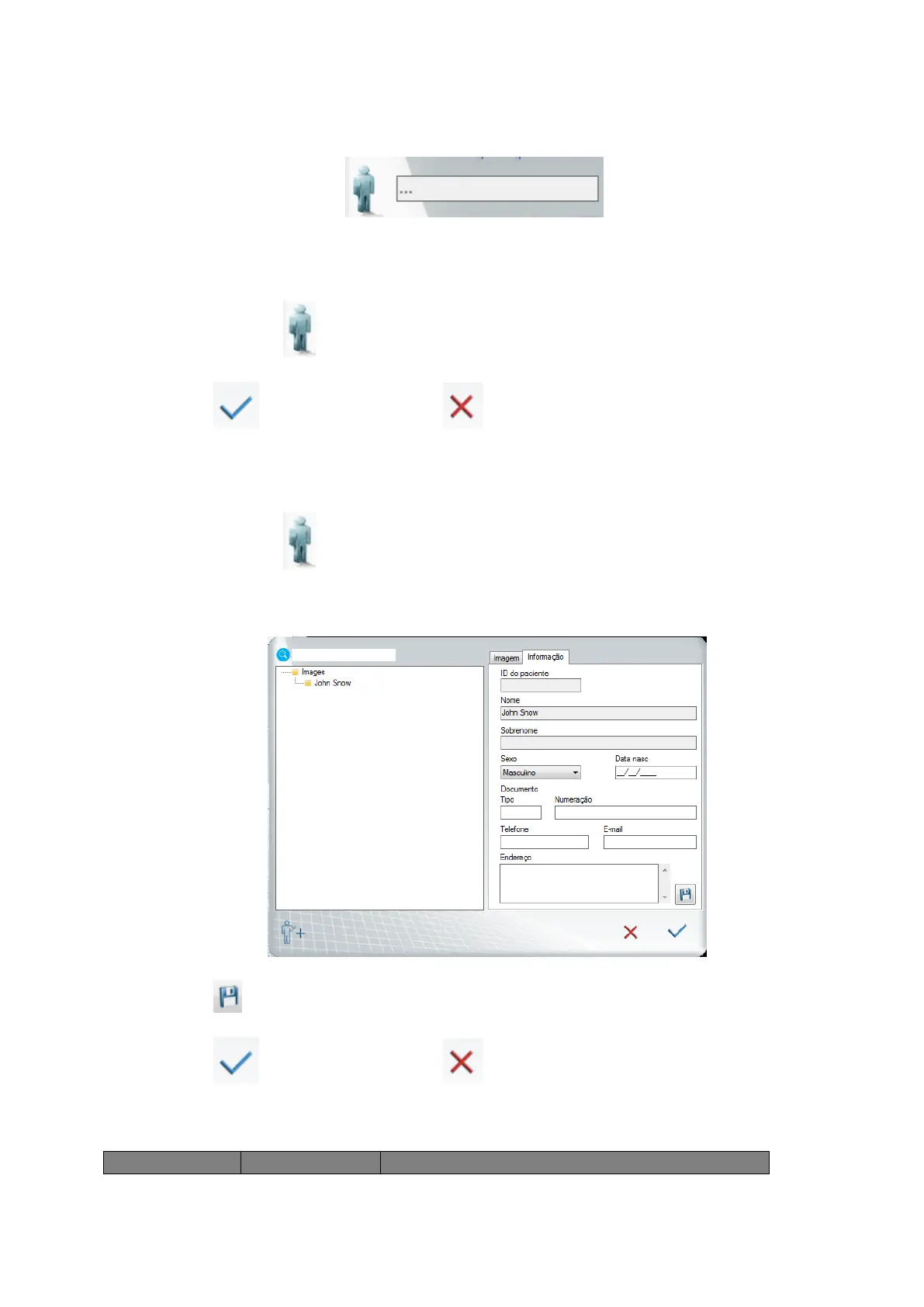
Changing a patient registration
Click on the icon
Select the patient directory that you want to open.
Click on the information tab and fill the fields you want to change.
Click on to save the changes.
Click on to confirm or click on to go back to the initial interface.
Sensor status



 To Next Page