23
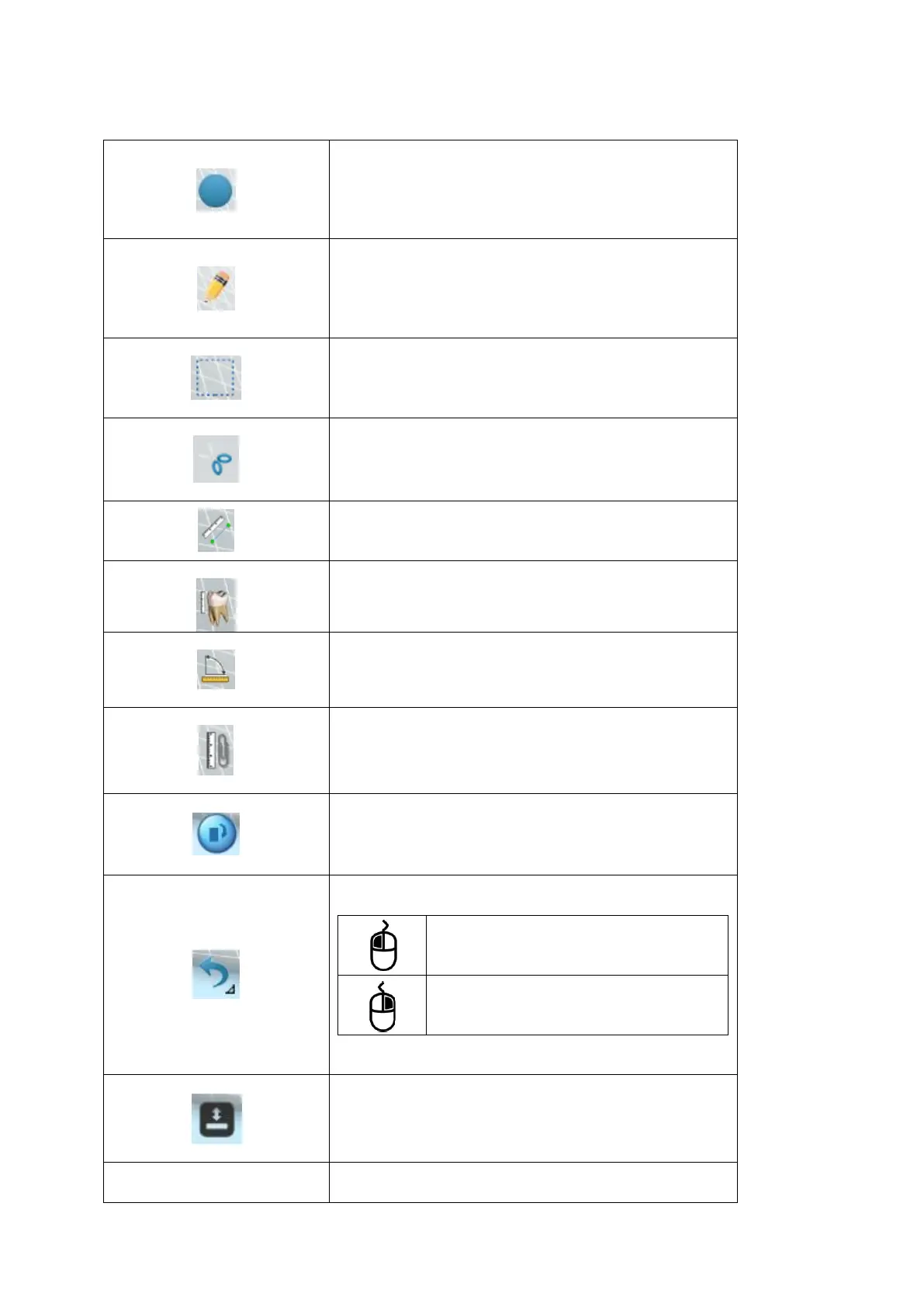
Insert Circle
Insert a circle in the image.
The definition of color and width is made in the
Settings menu
Insert Freehand drawing
Insert a freehand drawing in the image
The definition of color and width is made in the
Settings menu
Selection
Select an area of the image
Cut
Cut a selected area of the image
Simple measurement
Perform a distance measurement of two points on
the image
Multiple measurement
Perform a distance measurement of multiple points
on the image
Angular measurement
Perform an angular measurement on the image
Calibration
Perform the calibration of the distance of the image
Image rotation.
Allows 90 degrees rotation of the image.
Show/hide toolbar
Show/hide toolbar with marking
resources/association of the image
Odontogram
Access to Odontogram mode



 To Next Page