27
a) Associate image to the odontogram
Perform an image capturing
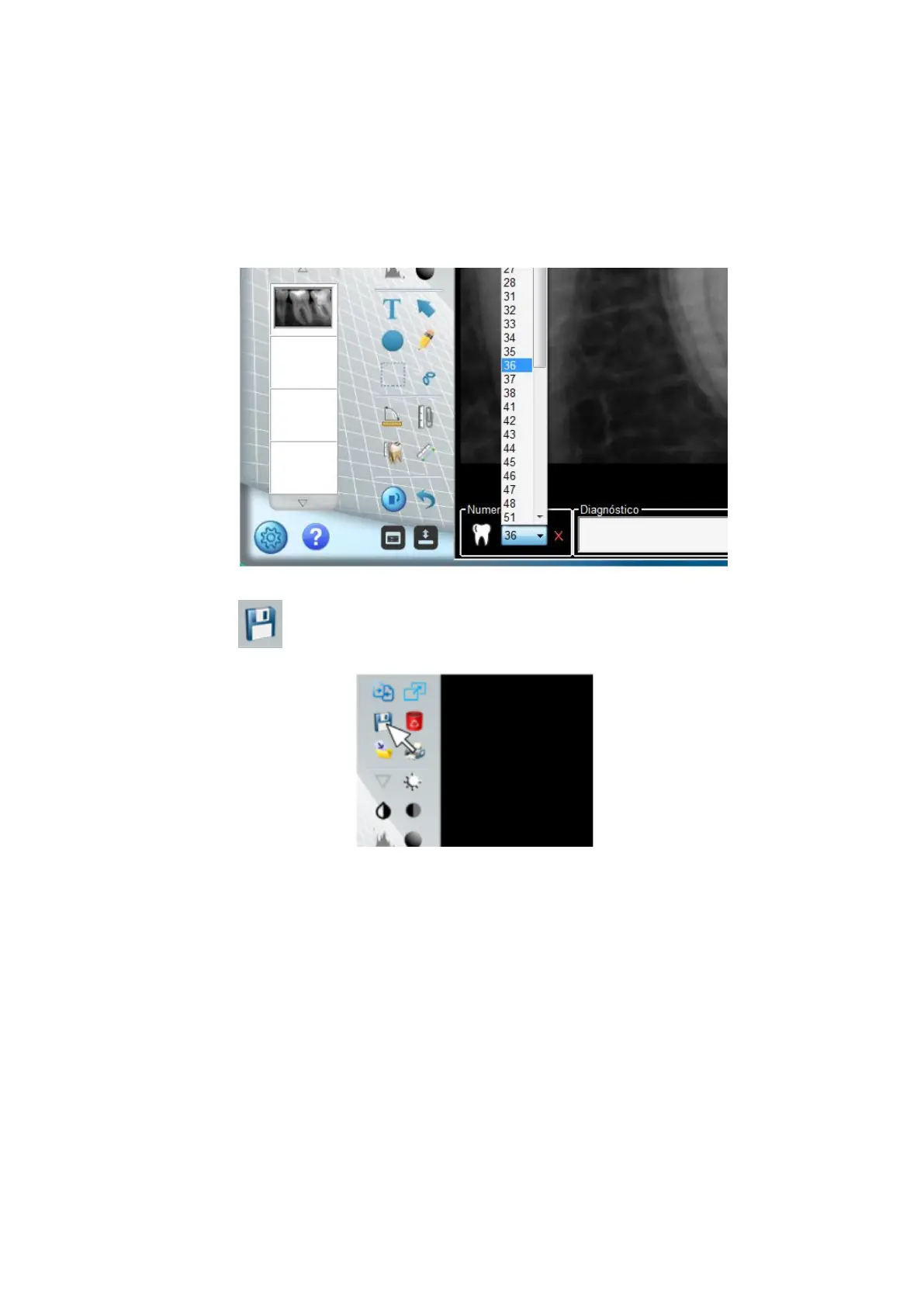
Select numbering of the tooth you want to associate with the image. If you want,
insert diagnosis information in the text field.
Click on to associate the image with the patient record.
The tooth whose image is associated will be pointed in YELLOW



 To Next Page