6 User’s Guide P-164000628 P-164000628—Rev 05
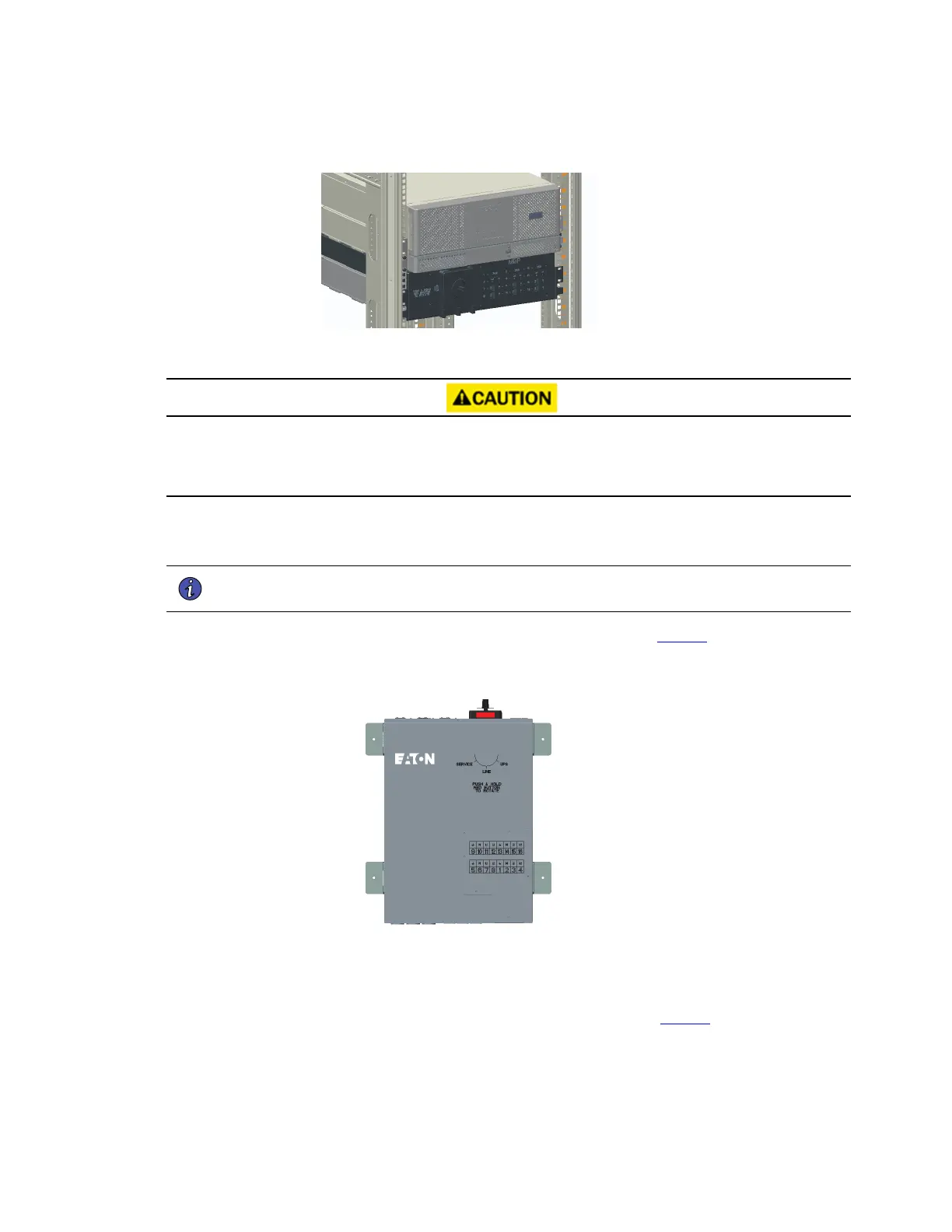
Figure 7. Secure the BPM to the Rack
22..44 WWaallllmmoouunntt BBPPMM IInnssttaallllaattiioonn
• The BPM distributes high density power in a small form factor.
• Read the complete installation procedure before beginning any electrical wiring.
To install the BPM in a wallmount form factor:
1. Select a mounting location for the bypass switch within sight of the UPS.
NOTE The bypass switch should be mounted securely to a sturdy surface. You may need to
turn the cabinet 90 degrees (on its side) to enable operator access to the switch handle.
2. Use the provided wallmount brackets to firmly secure the BPM to the wall (Figure 8).
Figure 8. BPM with Wallmount Brackets
3. Remove the six (6) screws on the BPM front cover and remove the cover.
Remove any packing material inside the BPM.
4. Remove the knockouts in the bottom of the BPM as needed for wiring (see Figure 9).
Wallmount BPM Installation



 To Next Page