4 Operating and indication elements
4.1 Operating and indication elements on the front
MICRO PANEL XVS400 10.4"/12.1"/15" 10/2011 MN04802012Z-EN www.eaton.com 19
4 Operating and indication elements
4.1 Operating and indication elements on the front
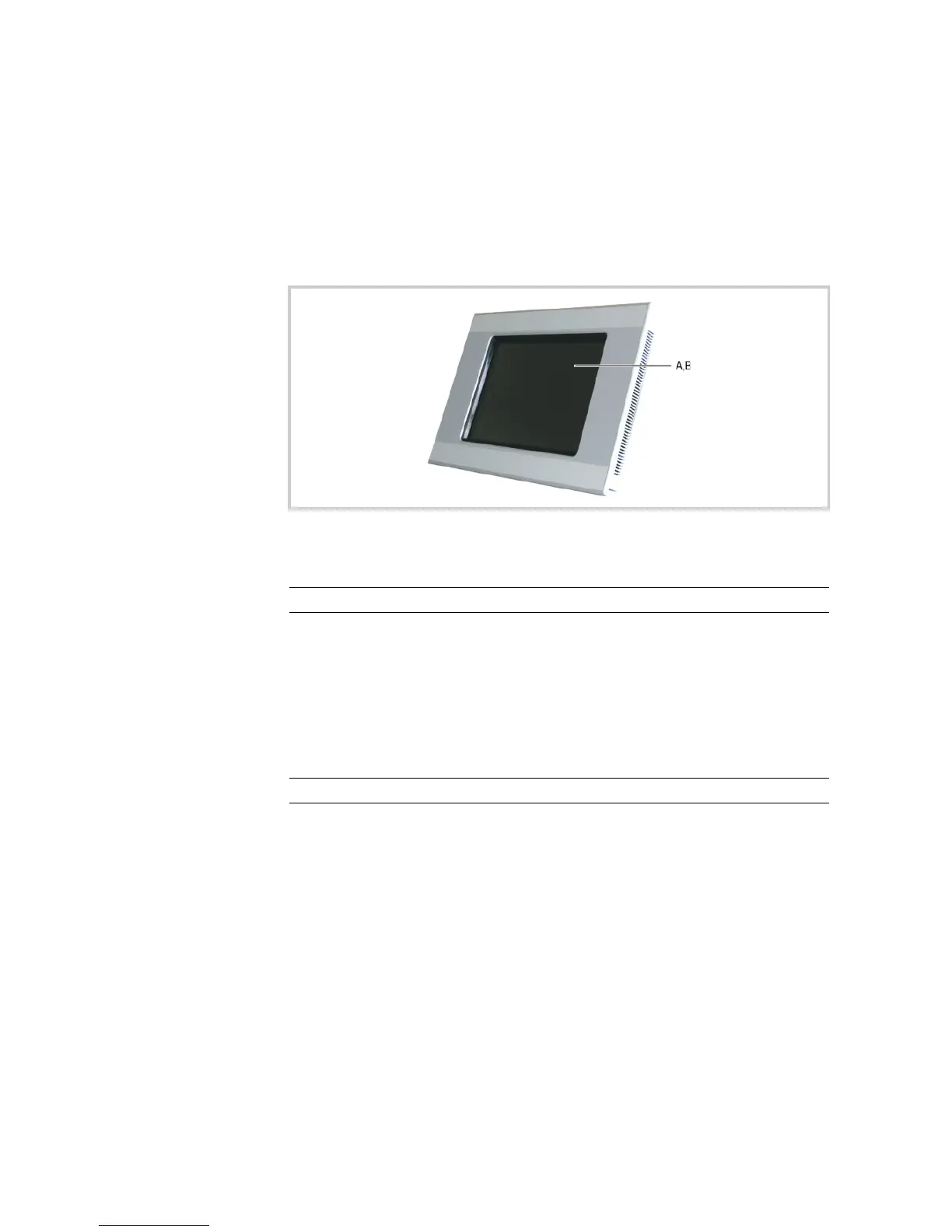
The device has the following operating and indication elements on the front:
Tab. 5 Operating and indication elements on the front
Fig. 3 Operating and indication elements on the front (figure shows device with infra-red touch)
Element Function
A Touch sensor Detection of the actuation of the operating elements shown on the
display.
Resistive touch:
These devices are operated by touching the operating elements with
your finger or with a stylus.
Infra-red touch:
These devices are operated by interrupting the infra-red light matrix
with your finger or a suitable object (min. ø 7 mm). It is not necessary
to touch the infra-red touch protective panel.
B Display Display operating and indication elements.



 To Next Page