March 2013 63 IPV58
Once alarm occurred, there will be some representation:
1. The corresponding status light turns Red and keeps blinking.
2.
Figure 10.7
2. If you set Sound on Alarm, plug an earphone or a speaker to the computer you use, you can hear the
beep sound when alarmed. (Figure10.6)
3. If you set Record on Alarm, the camera will record automatically for approx one minute. You can find
the record file in the folder which you set. (Figure 10.9)
4. If you set Send Mail on Alarm, you will receive email alarm alert once motion triggered. (Figure 10.0)
5. You can also set Scheduler to enable the camera sends emails during a special time range you want.
(Figure 10.5)
6. If you set Upload Image on Alarm, it will upload images to the FTP Server you set already once
alarmed. (Figure 10.4)
NOTE: Each alarm only lasts for approx one minute, all the above functions for motion detection triggered
only.
REC Automatically and Save to PC
When you enable motion detect and open the camera monitoring page on the PC. If there is an alarm
triggered, REC will start automatically for several seconds and save to the PC.
New Feature: Start the motion detection compensation and Alarm notification by Http.
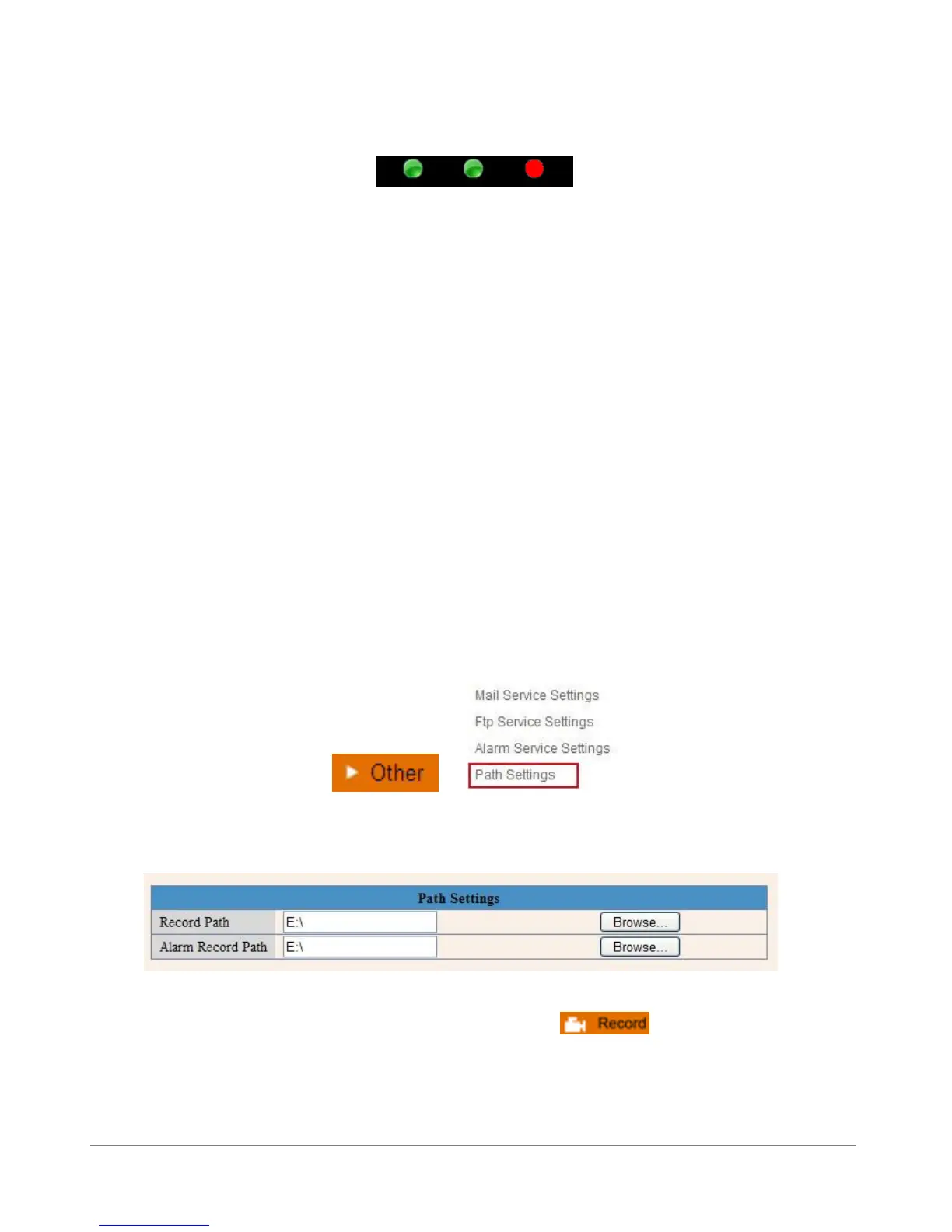
3.14 Path Settings
Figure 10.8
Here you can set record path and alarm record path for the camera.
Figure 10.9
Record Path: Here you can set the manually record path. Click , then start manually record,
the record file will be saved to the specified path here set.
Alarm Record Path: Here you can set the alarm record path. When the motion triggered, and record
enable, it will start alarm record automatically, the record file will be saved to the specified path here set.



 To Next Page