36
AXIOS™ TROUBLESHOOTING
Should you encounter a problem during installation or during the life of the product, follow the guide below for troubleshooting
and repair information. If the problem cannot be rectied using the solutions given below, additional information may be
obtained from the manufacturer – contact details are at the end of this document.
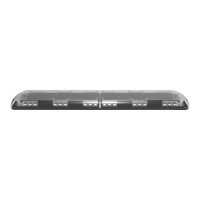
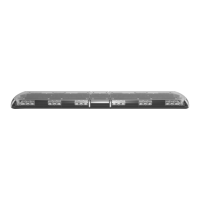
LIGHTBAR & CONTROLLER
Problem Possible Cause Solution
Does not function
Poor power or ground connection
Check fuse, cables, and connections to the
lightbar and to the controller. If fuse is
blown, check wiring and replace fuse. If
problems persist replace the controller with
good unit. If problem continues, contact
your Axios distributor, or the manufacturer
for warranty repair or replacement (contact
information on page 37).
Blown fuse Check wiring, replace fuse.
One or two LED modules do not flash, but
Pattern 1 or Pattern 2 indicator LED on
controller is on
Open circuit wiring from central control
board to LED module
Verify the correct installation of the
modules in the power rail, if problem
persists, replace the modules. If all modules
installed within a section of power rail (i.e.
front left) are inoperable and are installed
correctly, contact your Axios distributor, or
the manufacturer for warranty repair or
replacement (contact information on page
37).
Failed LED module
LED modules flashes dimly Defective module or central control board
If only one module is dim, replace it. If all
modules are dim, verify that lighbar voltage
is greater than 11V.
Incorrect flash patterns Wrong flash configuration Re-program flash pattern presets 1, 2 and 3.


 To Next Page