10
Options for Viewing TV
Watching TV
Navigating the Menus
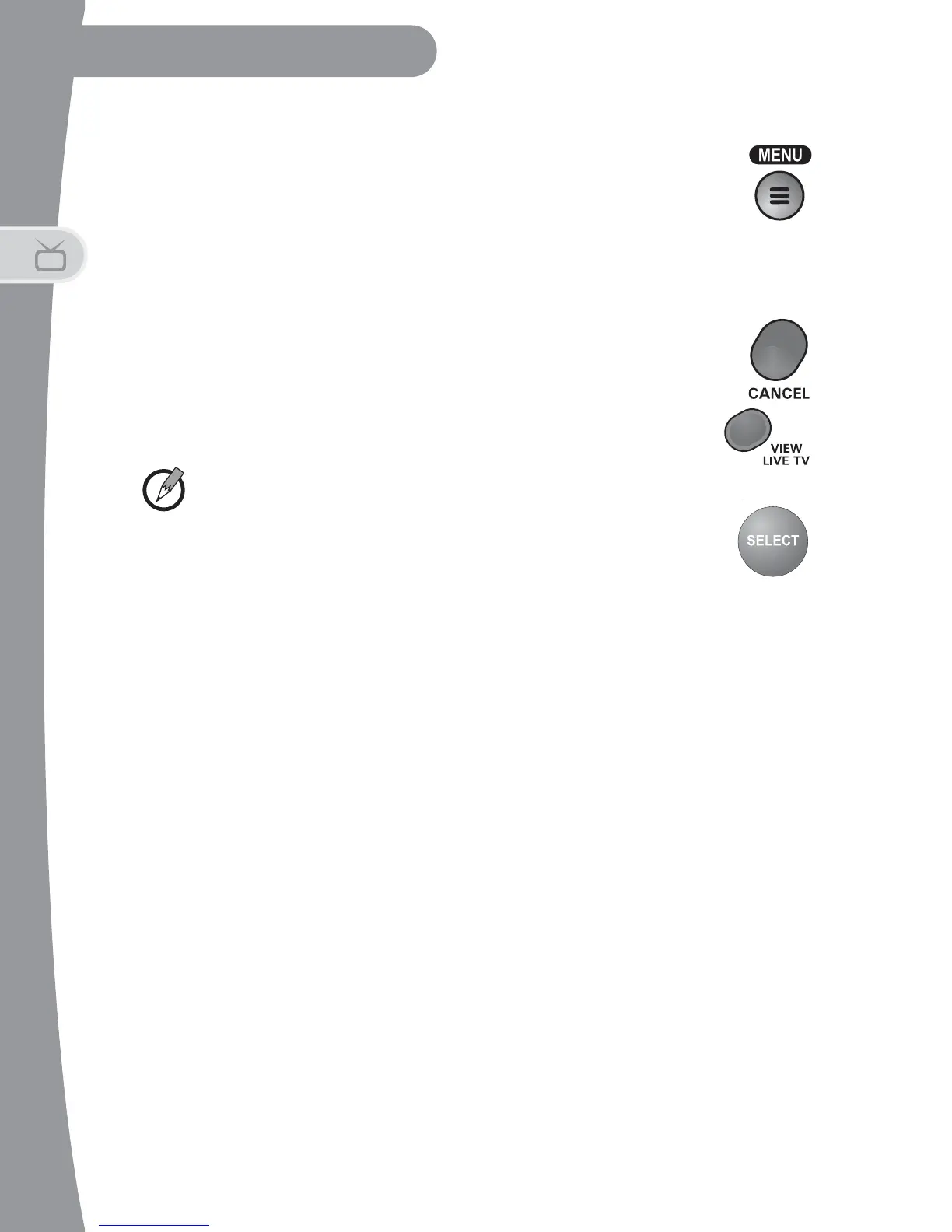
1. Press MENU to see the DTVPal DVR Main Menu. You can
access most features from here. We'll show you other short
cuts later.
2. Use the UP or DOWN ARROWS to move through the menu options. Or,
enter the option number using the NUMBER PAD.
3. Press SELECT to choose a highlighted menu option.
4. Exit a menu by choosing Cancel from the on-screen options,
or press CANCEL on the remote control.
5. Press VIEW LIVE TV to exit all menus and view current
programming.
Note: In this Guide, we'll say "select" to mean move the highlight
to the item and press SELECT on the remote control.
Understanding SD & HD
• Using this HDTV over-the-air receiver, you can view and record both
standard-definition (SD) and high-definition (HD) digital programming.
• You can view upconverted SD and native HD over-the-air digital
broadcasts on a connected HDTV.
• You can view both native SD and down-converted HD programming on
a connected SDTV.
OPTIONS FOR VIEWING TV
Finding a Program: Overview
Channel Up/Down
While watching live TV, use the UP and DOWN ARROWS to change
channels one at a time.


 To Next Page