Setting Up Key Features
23
Customizing Receiver
Customizing the Guide and Channel Lists
Changing the Order of the Channels
Press MENU, select Preferences, and then Guide Display. Under Direction,
You can set up the on-screen Program Guide to list channels in descending
order, with the highest channel number at the bottom of the screen, or in
ascending order, with the highest channel number at the top of the screen.
The default setting is to list channels in descending order.
Changing the Type of Guide Display
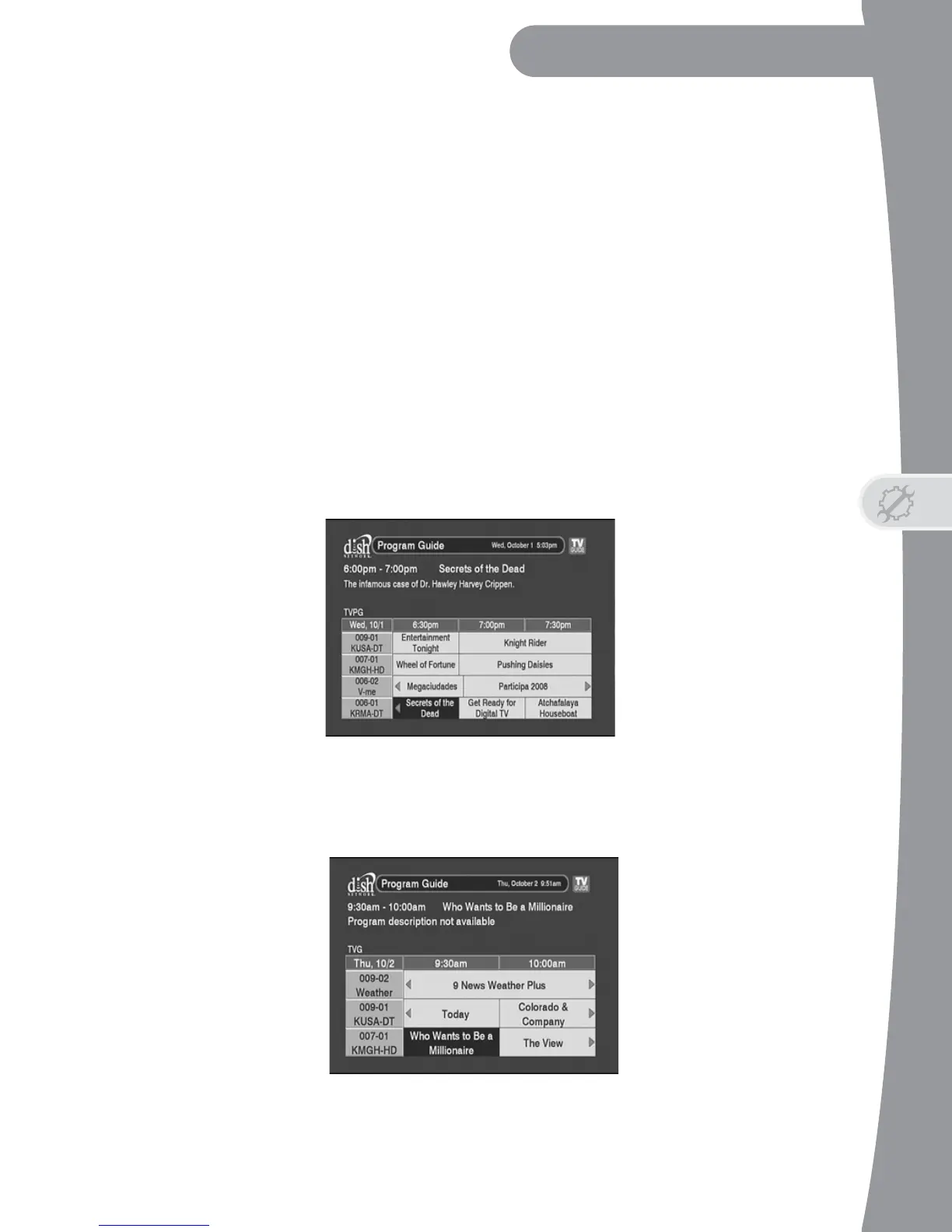
The DTVPal DVR comes set to display the standard-size Program Guide with
descriptions for the highlighted program or event. However, you can choose
the style of Guide Display that you like in the EPG Preferences menu.
• Medium Text - This is the default option.
• Large Text - Choose this option if you’d like to see larger text and fewer
hours of schedule per page on the Program Guide.


 To Next Page