26
Programming Your Remote Control
Customizing Receiver
Setting Up Devices by Entering Codes
You can set up the remote to control other devices using the device codes
listed on page 27.
1. Turn the device on.
2. Find the brand name in the tables.
3. Press and hold the mode button for the device until all the mode buttons
light up.
4. For AUX mode, press 0 for a TV, 1 for a VCR, or 2 for an audio tuner/
amplifier.
5. Using the NUMBER PAD, enter one of the three-digit device
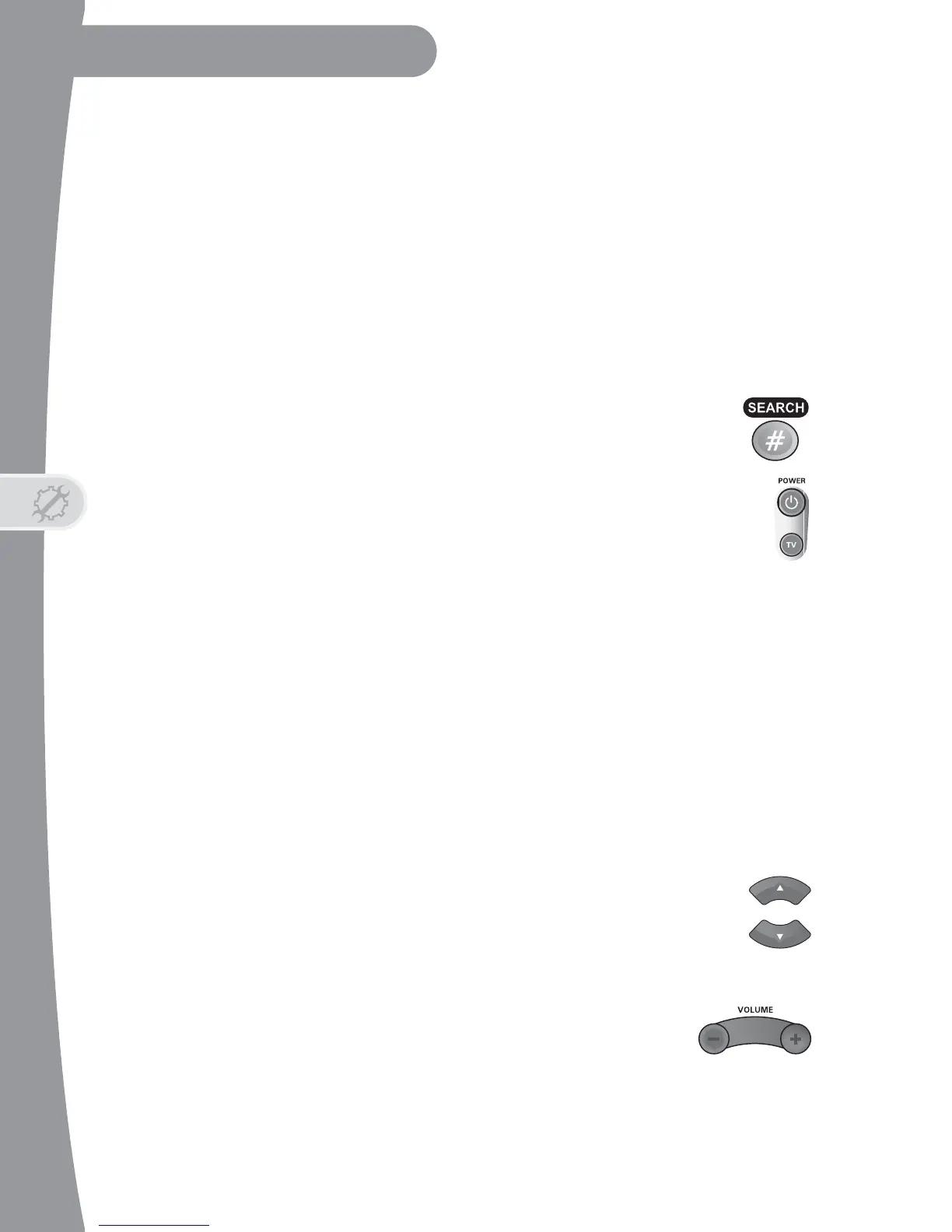
codes for your brand from the table. Then press POUND (#).
6. Wait for three flashes of the mode light. If it doesn’t, go back
to step 3.
7. Press POWER to turn off the device. If the device does not turn
off, go to step 8.
8. Turn the device back on and try some other buttons to make sure they
work. If the code works for other buttons, stop here.
9. If the code doesn’t work, repeat steps 3 through 7 with the next device
code from the tables.
10. If you can’t find a code that works, then try Setting Up Using Device
Codes Scan.
Setting Up Using Device Codes Scan
1. Turn the device on.
2. Press and hold the Mode button for the device until all the Mode buttons
light up.
3. Press POWER.
4. Press the UP (or DOWN ARROW, but not both) until the
device turns off. Then press POUND (#).
5. Wait for three flashes of the mode light. If it doesn’t flash three times,
then go back to step 3.
6. Turn the device back on and test to make sure it works
with other remote-control buttons, like VOLUME.


 To Next Page