Options for Viewing TV
11
Watching TV
Direct Entry
Tune to a specific channel number by entering it using the NUMBER PAD. To
change directly to a sub-channel number, for example 8-3, enter a zero before
the number, for example “00803”.
Program Guide
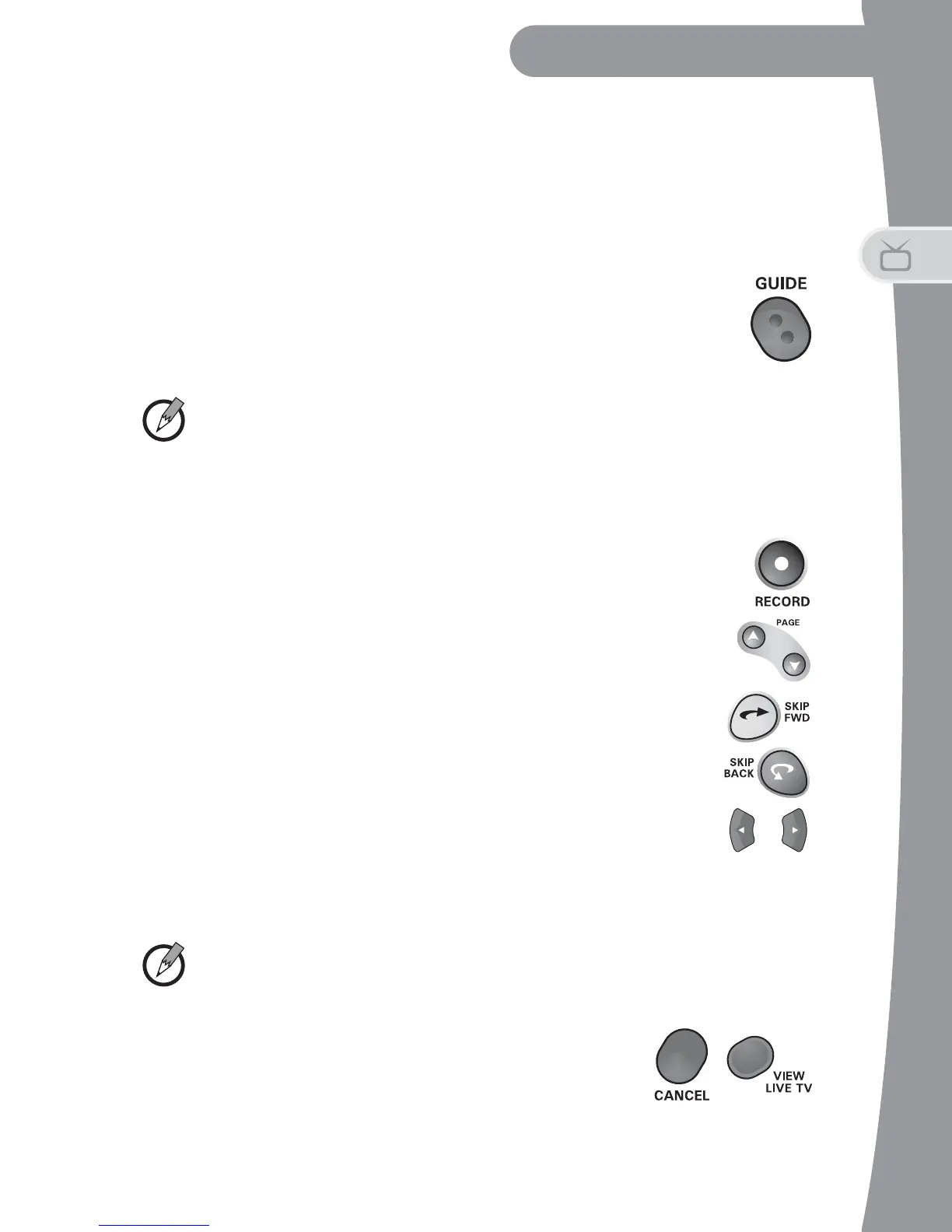
• Press GUIDE to open the Program Guide and view the listing
of current programs and programs scheduled to air over the
next seven days.
Note: Last-minute changes made to programming information and
schedules may not always be reflected in Program Guide data.
• Highlight a program to see information, or press INFO for more details.
• Change channels by highlighting a current program and
pressing SELECT.
• Set up recordings for future events by highlighting a future
program and pressing SELECT or RECORD. See Recording
My Programs on page 14 for more information.
• Press PAGE UP/PAGE DOWN to view a set of channels
one page at a time.
• Move forward, then back in time through the guide by:
- Press the SKIP FORWARD button to move ahead 24
hours; press SKIP BACK to move back 24 hours.
- Use the NUMBER PAD to enter the number of hours to
move ahead, and then press the RIGHT ARROW. Once
you’ve moved forward, then you can use the NUMBER
PAD to enter the number of hours to move back, and press the
LEFT ARROW.
Note: You cannot move backward in the guide to the past.
- Press CANCEL or VIEW LIVE TV to view
current programming.


 To Next Page