22
Setting Up Key Features
Customizing Receiver
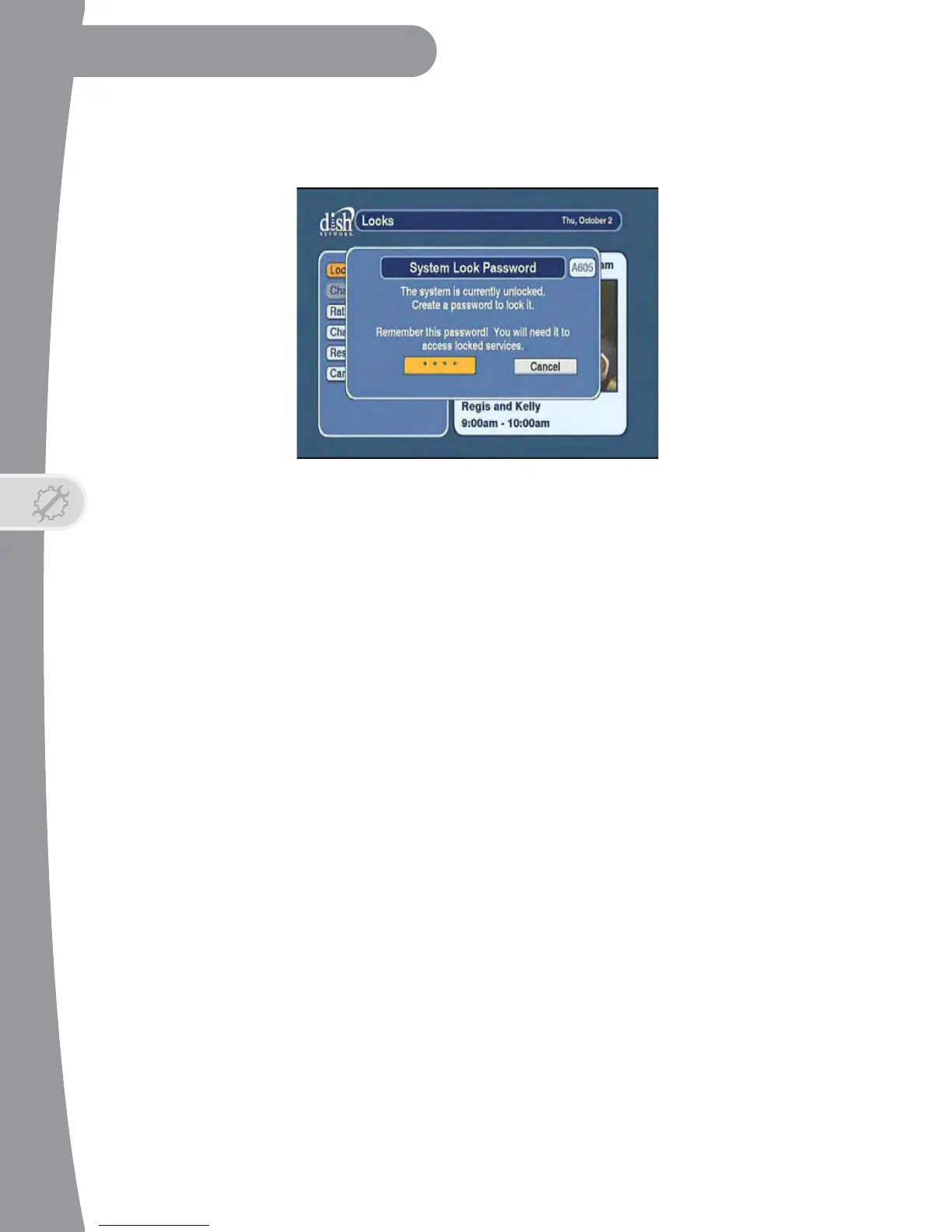
• Enter a password using the NUMBER PAD on the remote control in the
Password field.
• Enter the new password again when prompted. Your DTVPal DVR is
now locked.
Note the following when using the Locks menu after locking your system:
• If you try to access a locked item or open the Locks menu, the DTVPal
DVR displays a message asking you to enter the password. Enter the
correct password to continue.
• The DTVPal DVR permits three attempts to enter the correct password.
If you fail all three attempts at entering the correct password, then the
DTVPal DVR does not allow you to try again for several minutes.
• If you exit a locked item or close the Locks menu, you must re-enter the
password to access the item.


 To Next Page